
Customer feedback for restaurant owners
Restaurant reviews and feedback built around the food.
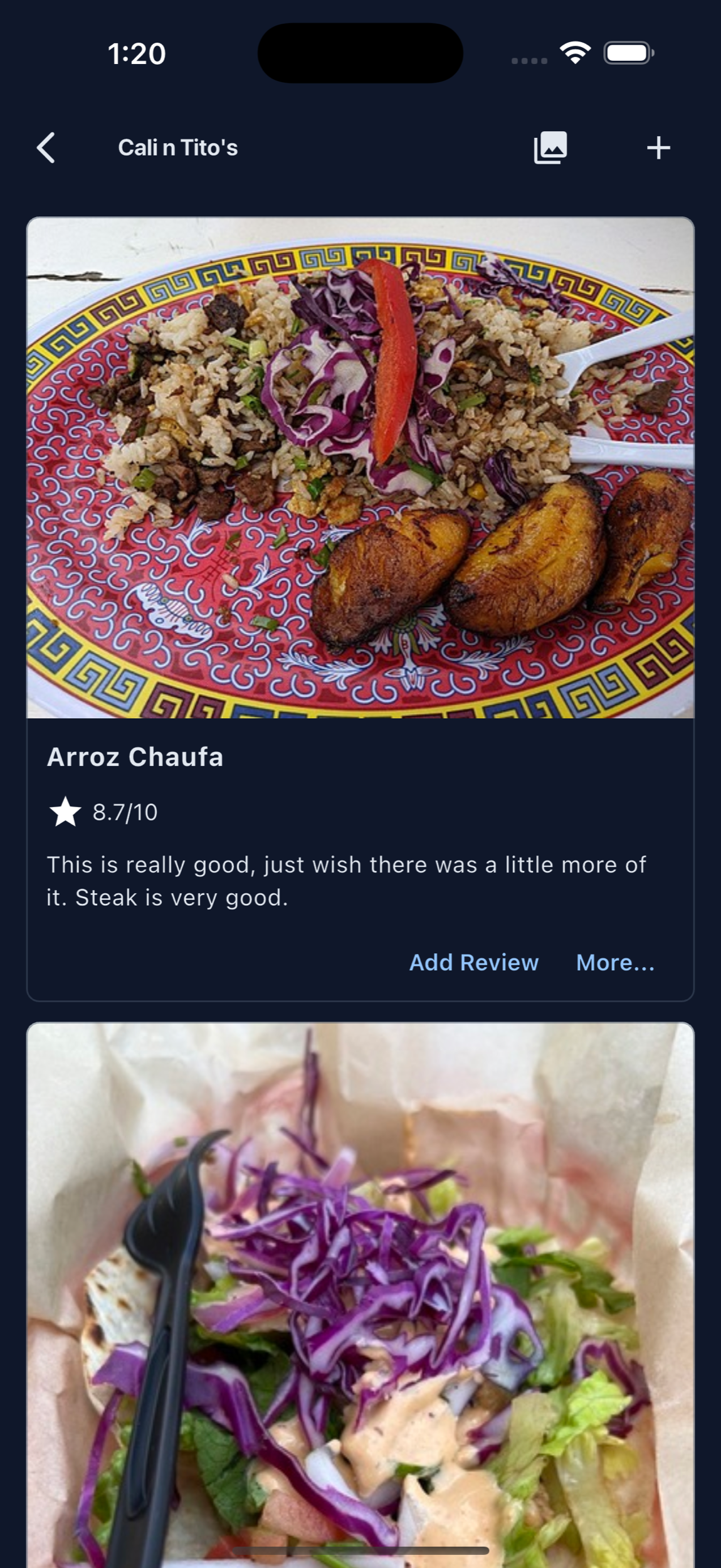
MenuScouter helps restaurants collect feedback that is specific enough to use: dish photos, ratings, short reviews, and customer recommendations attached to actual menu items.
Instead of only asking whether the whole restaurant was good, owners can learn which dishes guests loved, what customers would order again, which menu items need work, and what future diners should try.
Guides for reviews, feedback, and better guest insight.
These pages focus on practical ways restaurant owners can use MenuScouter to hear from customers, understand the menu, and make feedback easier to act on.
Restaurant customer feedback app
Use MenuScouter as a lightweight place for guests to leave photos, dish ratings, and useful comments after they eat.
Restaurant feedback QR code
Put a private-feedback QR prompt on tables, receipts, or takeout inserts so feedback happens while the meal is still fresh.
Restaurant review QR code
Invite guests to publish an honest dish review and photo that can help the next customer decide what to order.
Dish-level feedback
Better feedback starts with what the guest ordered.
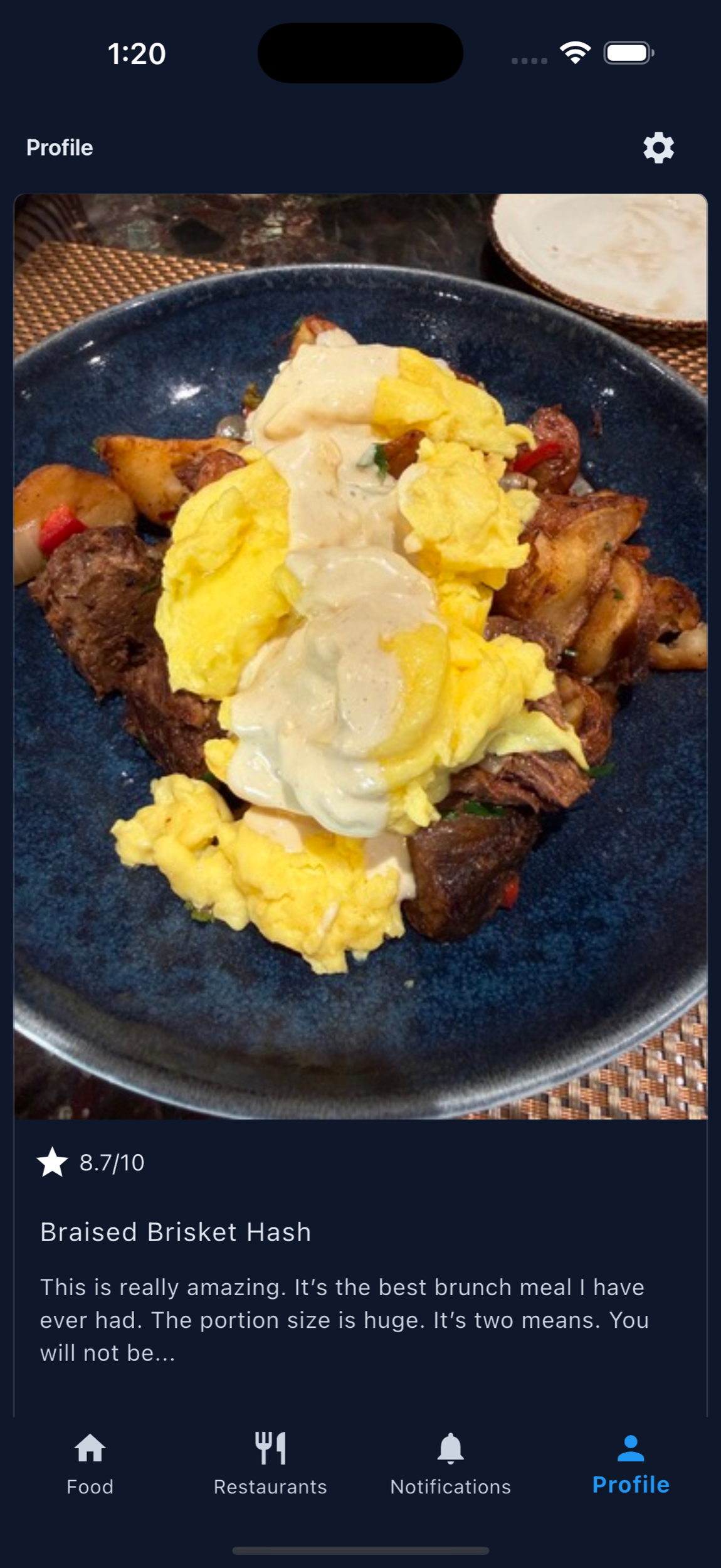
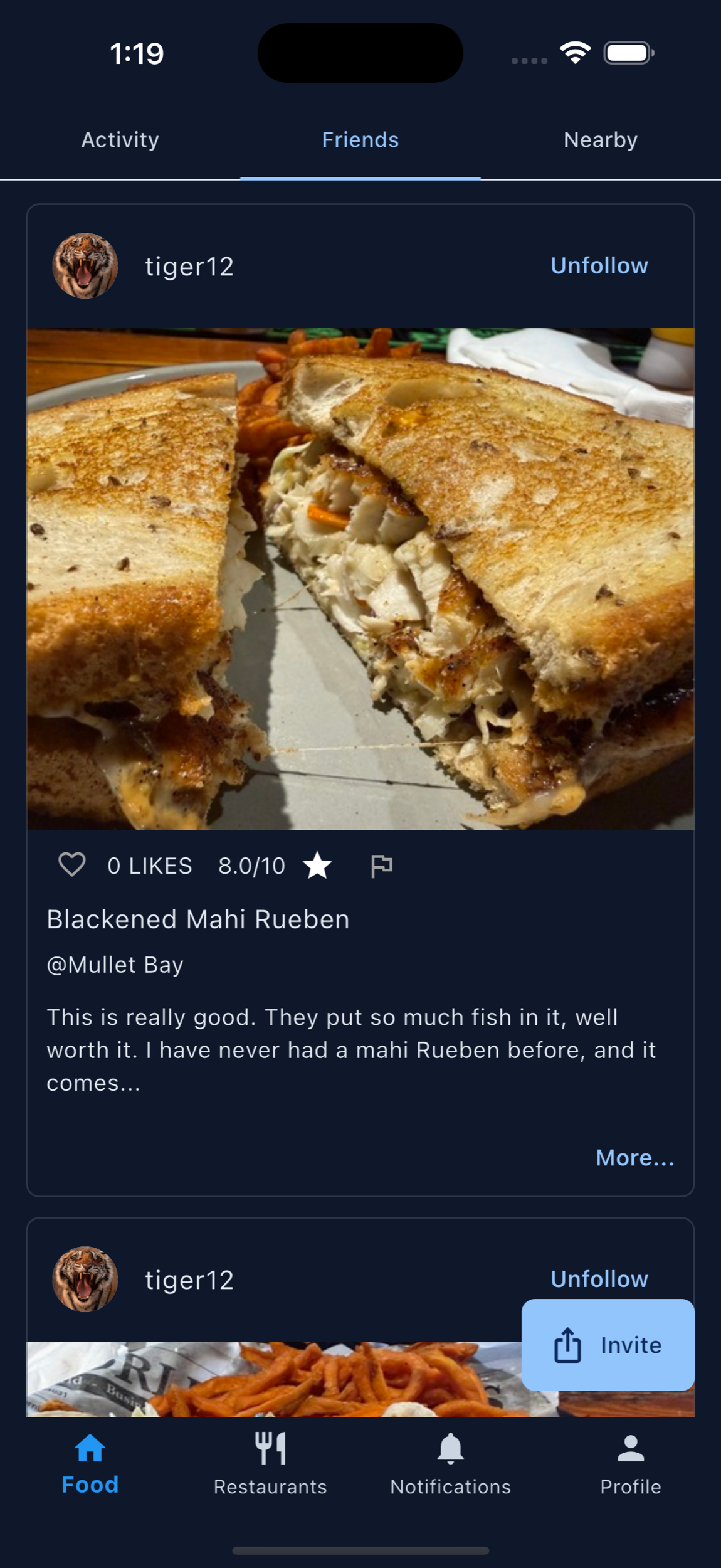
A broad restaurant review can be hard to interpret. A dish-level review tells the owner what the customer ate, how it looked, how they rated it, and whether they would recommend it.
That makes feedback useful for menu decisions, staff recommendations, photo priorities, specials, and the dishes owners want more guests to notice.
Collect dish feedback
Ask about the food while the details are still fresh.
A useful prompt names the dish and asks one question a guest can answer quickly. Try “What would you tell a friend about this dish?”, “Would you order it again?”, or “What could make this dish better next time?”
Keep private operational feedback separate from public recommendations. A guest should always understand where their response will appear before they submit it.
A simple table or receipt prompt
“Scan to rate the dish you ordered. Share private feedback with our team, or publish an honest photo review to help another diner choose.”
Restaurant guest feedback loop
Ask, review, improve, and show guests what changed.
Start with one QR and a small set of signature dishes. Review the responses on a regular schedule, choose one improvement the team can make, update the menu page or food photo, and invite guests to try the result on a future visit. The loop becomes useful when feedback leads to a visible action—not when it only accumulates in a dashboard.
Food reviews can become a menu improvement system.
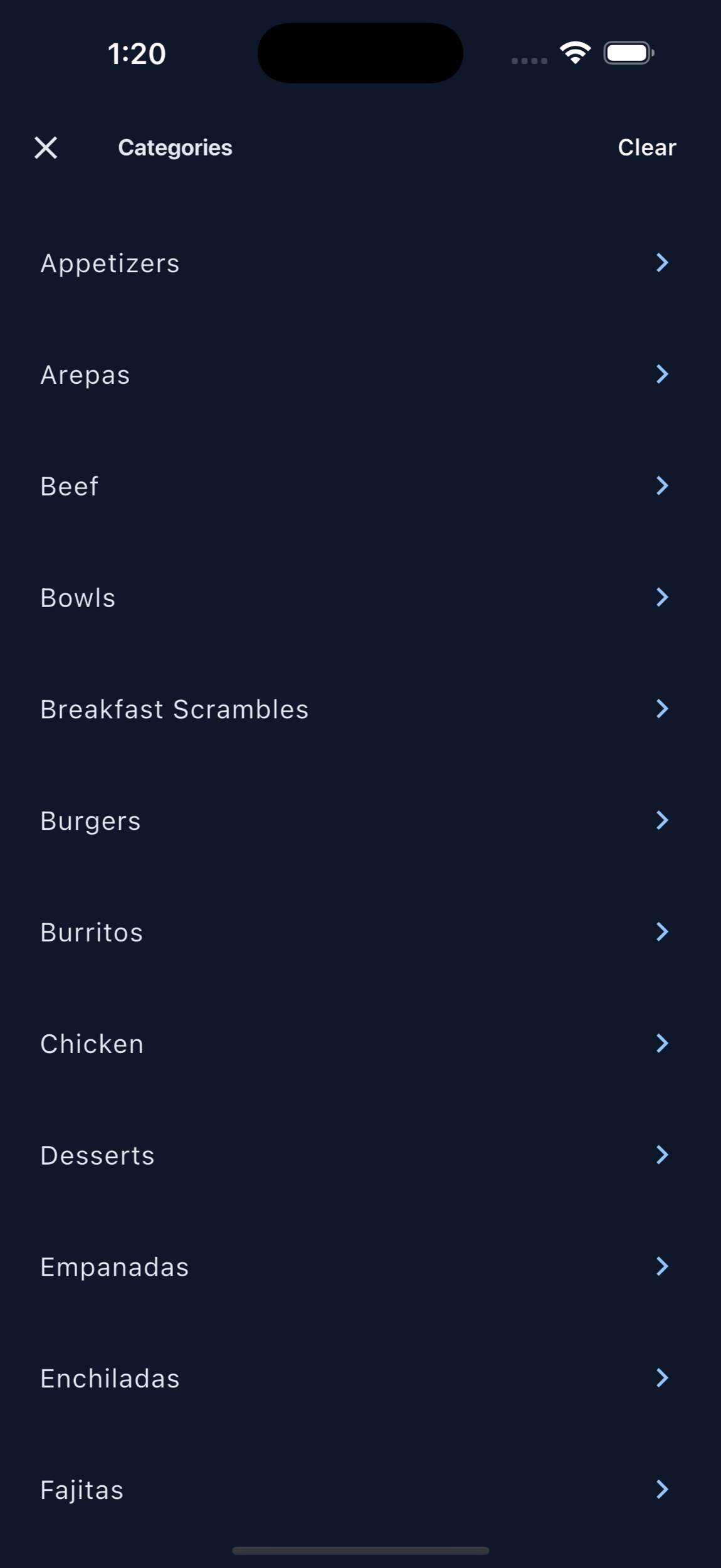
When customers review individual dishes, owners can spot patterns that are hard to see in a general review: which items get photographed, which dishes earn repeat praise, which plates confuse guests, and which menu descriptions may be overselling or underselling the food.
Organized food photos also help restaurants connect with customers before they visit. A guest can browse real dishes, see what other people liked, and arrive with a clearer idea of what to order. That makes the restaurant feel more transparent, useful, and customer-aware.
Reviews can help owners decide:
- Which dishes deserve better menu placement
- Which items need clearer photos or descriptions
- Which specials should become regular menu items
- Which dishes staff should recommend more often
- Which customer favorites can anchor future promotions
Printable QR code
Put MenuScouter where customers can scan it.
Claim your restaurant to generate a location-specific QR code for tables, receipts, takeout bags, host stands, or check presenters. It opens your mobile visual menu directly, with no app download required.
Owners can post their own food photos first, then invite customers to add photos and reviews after they order. Those restaurant and dish pages are public and search-friendly, giving Google more real food content customers can discover.
Your menu, your QR
Guests scan to see real dishes and share private one-tap feedback. Public reviews and photos remain tied to MenuScouter accounts.
Instructions
- Find and claim your restaurant location.
- Complete the short manual verification.
- Add at least five real dish photos and feature a signature item.
- Download the location-specific printable QR code.
- Place it where customers can scan and respond.
Make customer feedback easier to collect and easier to use.
Invite guests to review the exact food they ordered so your restaurant can learn what people love and help future customers choose with confidence.