
QR feedback for restaurants
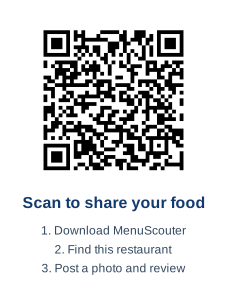
A restaurant feedback QR code guests can scan after they eat.
MenuScouter gives restaurant owners a simple QR prompt for collecting food photos, dish ratings, and reviews while the meal is still fresh.
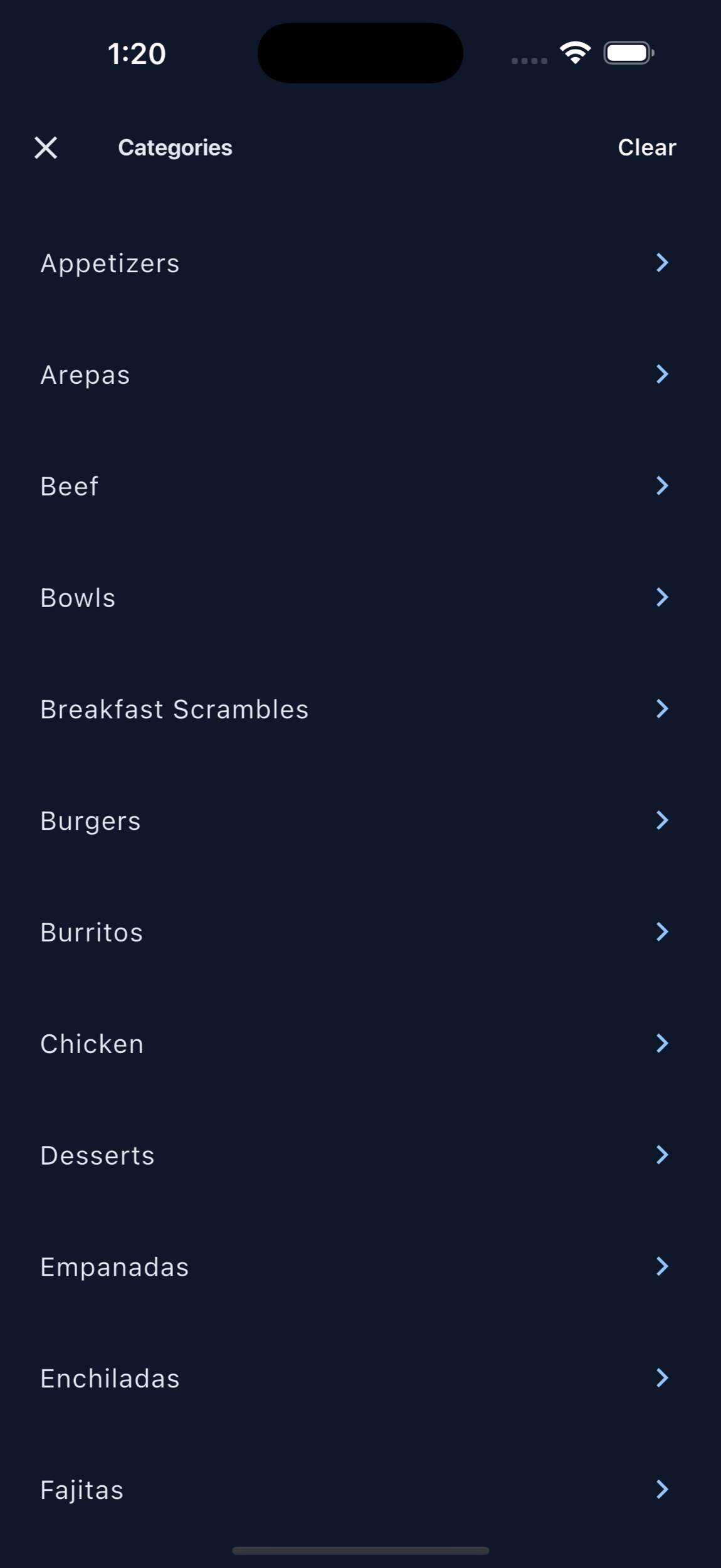
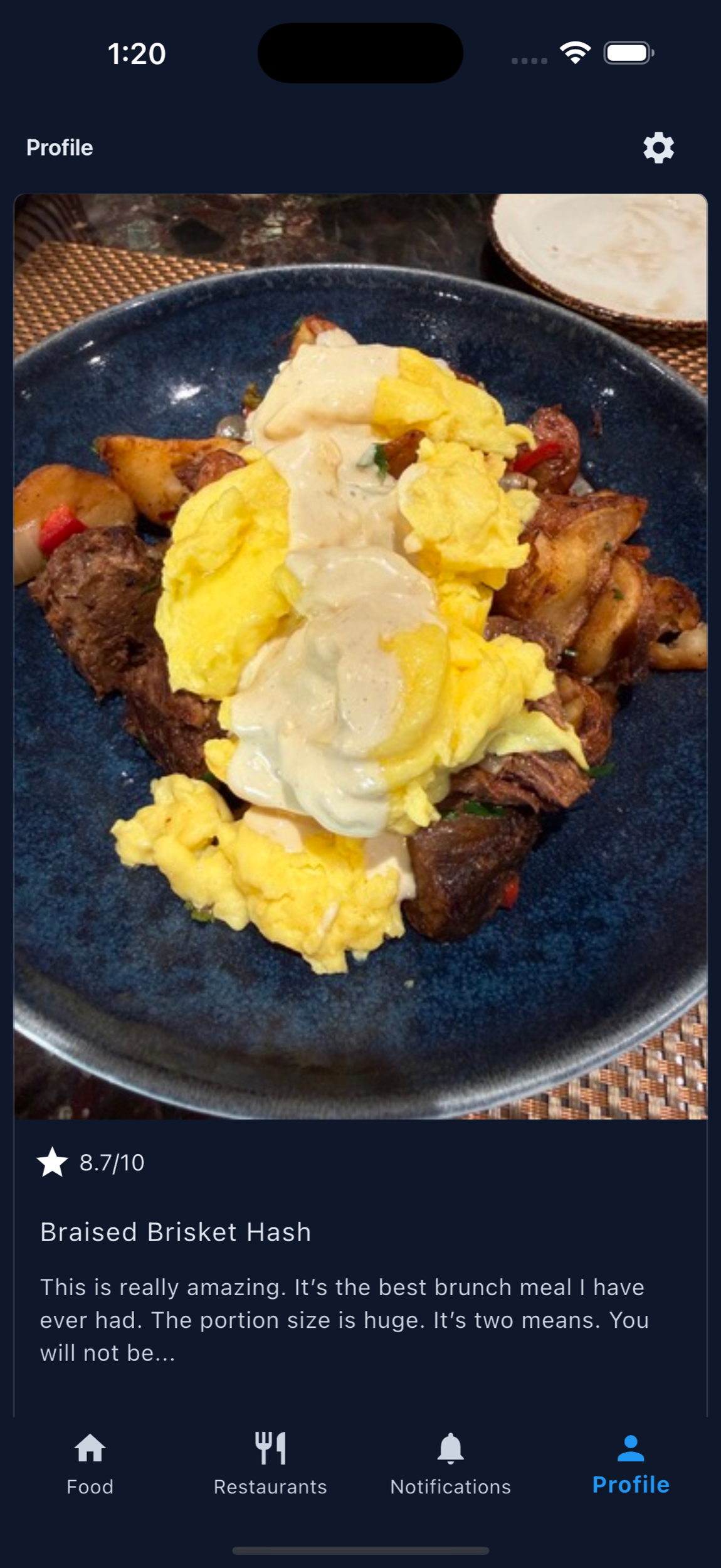
Place the QR code on tables, receipts, takeout inserts, check presenters, or counter signs. Customers scan, download the app, find the restaurant, and review what they ordered. Their photos and reviews help organize feedback by dish instead of scattering it across random comments.
Printable QR code
Put MenuScouter where customers can scan it.
Claim your restaurant to generate a location-specific QR code for tables, receipts, takeout bags, host stands, or check presenters. It opens your mobile visual menu directly, with no app download required.
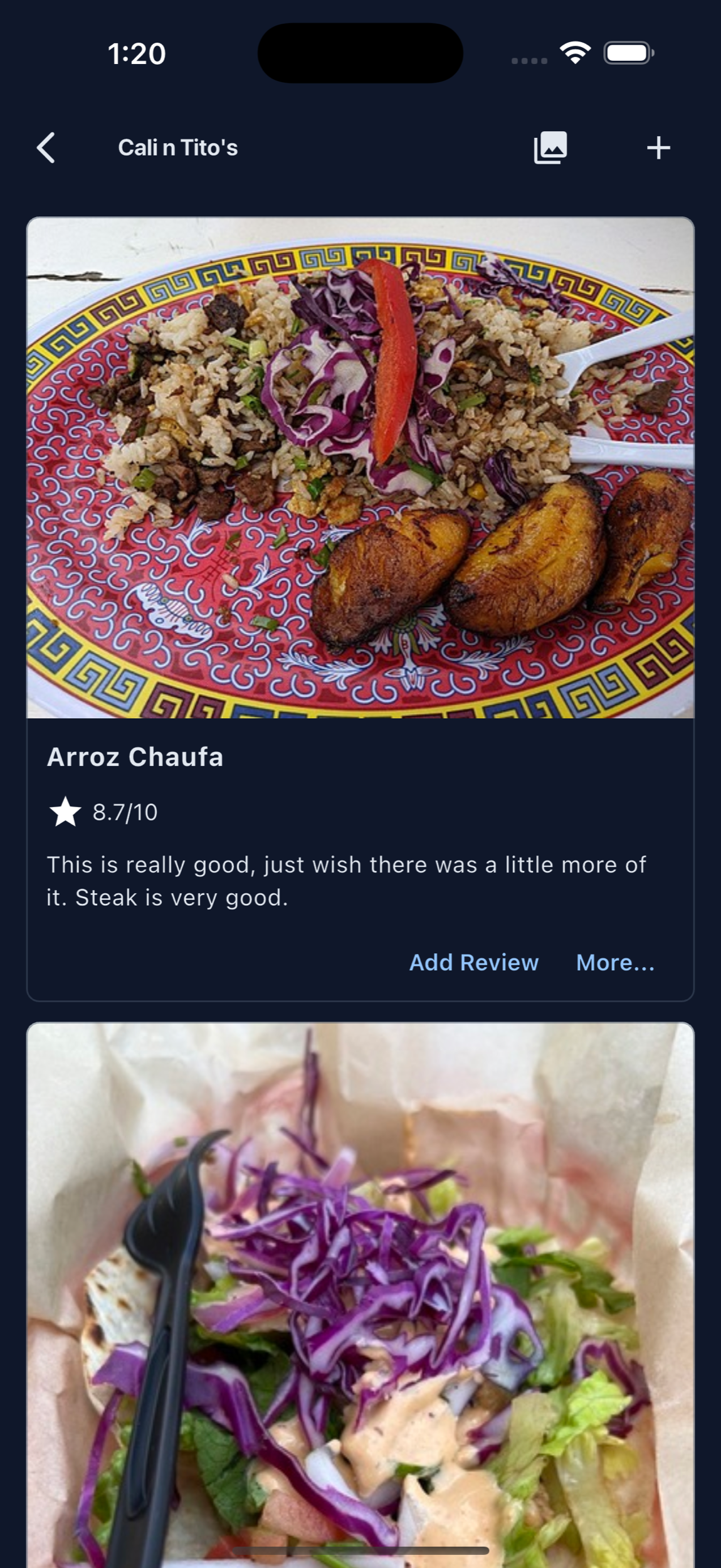
Owners can post their own food photos first, then invite customers to add photos and reviews after they order. Those restaurant and dish pages are public and search-friendly, giving Google more real food content customers can discover.
Your menu, your QR
Guests scan to see real dishes and share private one-tap feedback. Public reviews and photos remain tied to MenuScouter accounts.
Instructions
- Find and claim your restaurant location.
- Complete the short manual verification.
- Add at least five real dish photos and feature a signature item.
- Download the location-specific printable QR code.
- Place it where customers can scan and respond.
A QR code works best with a specific ask.
"Tell us what you thought" is broad. "Post the dish you ordered and leave a quick review" gives customers a clear action.
Use it at the table
Let dine-in guests scan before they leave, when the dish and experience are still easy to remember.
Use it for takeout
Add the QR to bags or inserts so customers can review the food after they get home.
Use it after compliments
When a guest praises a dish, staff can point them to the QR and ask them to share that exact item.
Feedback with context
Make the scan lead to useful review content.
MenuScouter feedback can include the food photo, rating, dish category, restaurant page, and customer note.
That makes the review more helpful for owners and more useful for future diners than a simple thumbs-up form.
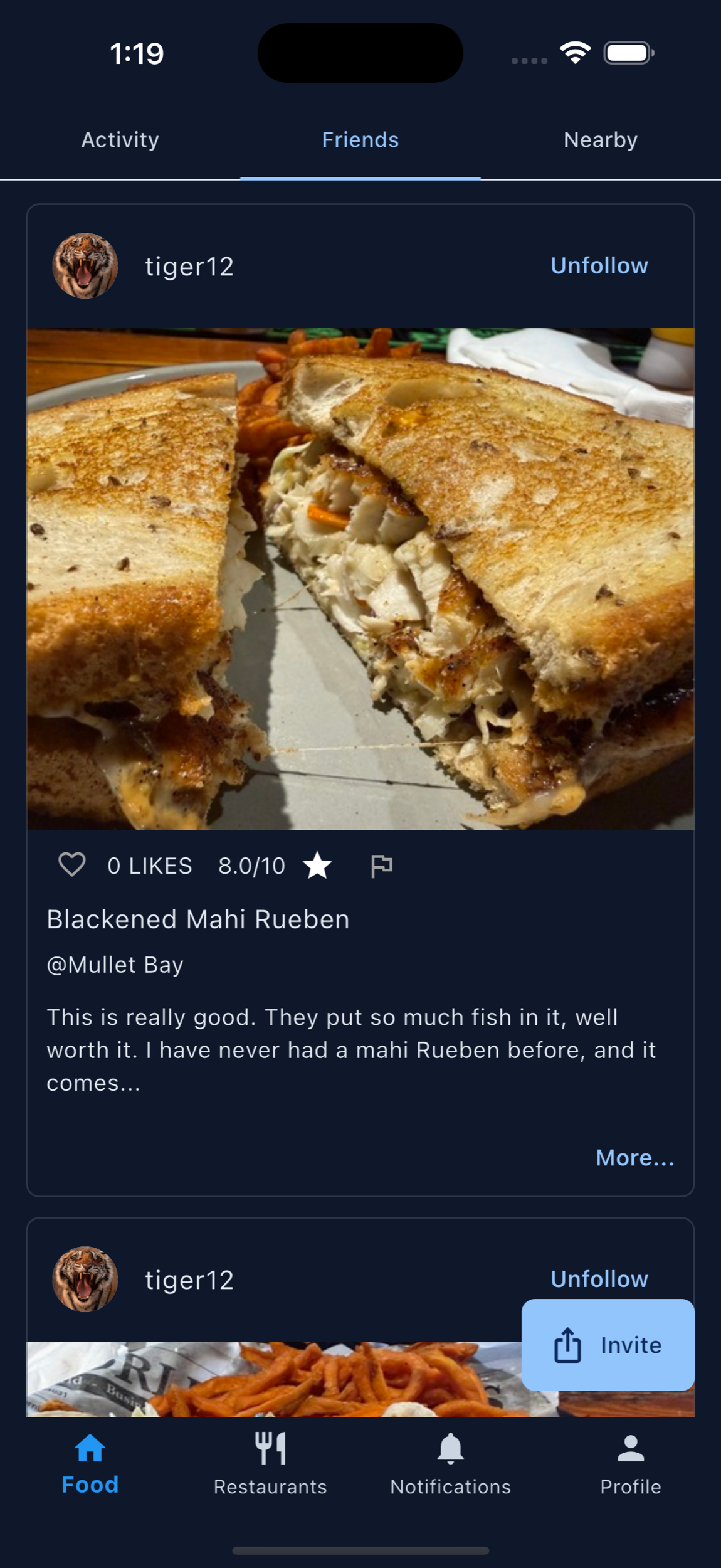
QR feedback can connect the table to menu improvement.
The QR code gives customers a clear action at the exact moment they are thinking about the food. Instead of waiting for a review days later, owners can collect photos, ratings, and notes while details like flavor, presentation, portion, and value are still fresh.
Those organized reviews can help owners decide what to keep promoting, what to improve, and what customers may need to see before they order.
Short prompt for the table
Try asking: "Loved something today? Scan and post the dish you would recommend." It invites feedback, gives customers a simple task, and keeps the conversation centered on the food.
Print the QR code and start asking for dish feedback.
Give customers a simple scan path to leave a photo, rating, and review for what they ordered.