
Feedback app for restaurants
A restaurant customer feedback app focused on dishes.
MenuScouter gives guests a simple way to leave feedback that restaurant owners can understand: what they ordered, what it looked like, how they rated it, and what they would tell someone else to try.
Owners can use it without turning feedback into a long survey. The customer posts a food photo, selects the dish category, adds a rating, and leaves a short review while the meal is still fresh. Over time, those organized photos and reviews become a practical record of what customers notice.
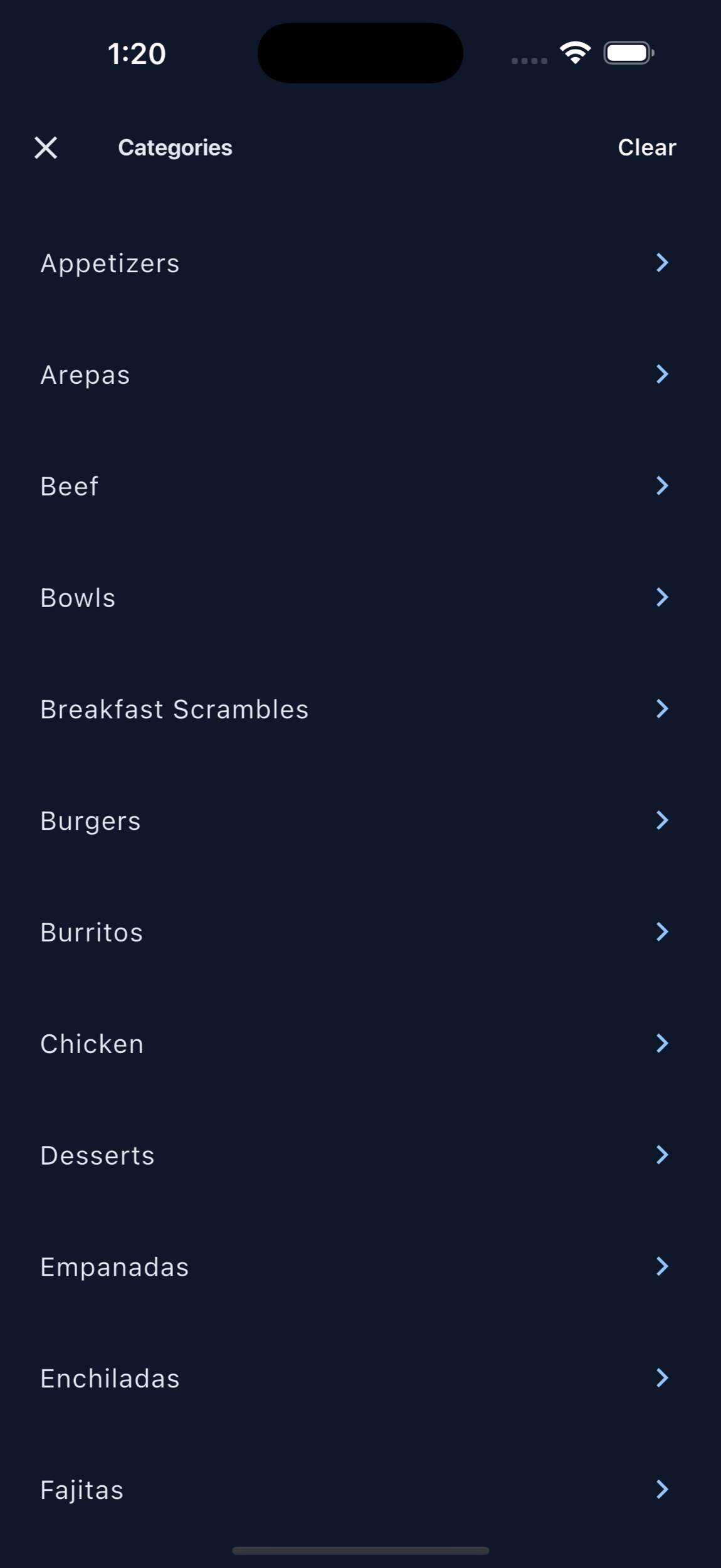
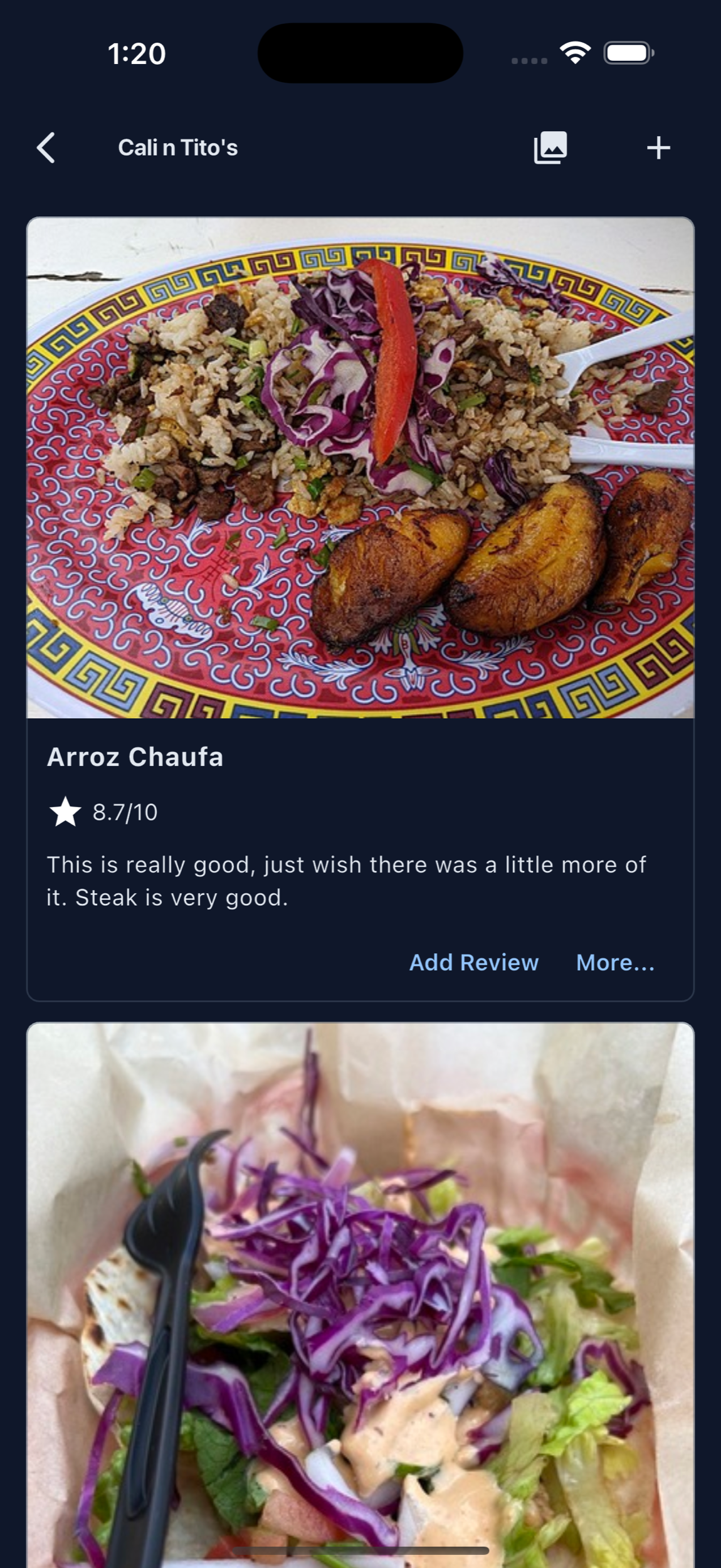
Feedback is easier to use when it is connected to menu items.
Instead of sorting through generic comments, restaurant owners can see which dishes guests reviewed, photographed, rated, and recommended.
Food-specific reviews
Ask customers to review the meal they actually ordered, not just the restaurant as a whole.
Visual context
Photos show what reached the table, which helps owners understand presentation and customer expectations.
Public confidence
Useful reviews can help future guests feel more confident choosing what to order.
Lightweight customer input
Replace vague feedback with practical signals.
A star rating alone rarely tells an owner what to improve. A dish photo, category, rating, and note gives the feedback enough shape to learn from.
MenuScouter can help owners notice best sellers, overlooked dishes, photo gaps, and customer favorites that deserve more promotion.
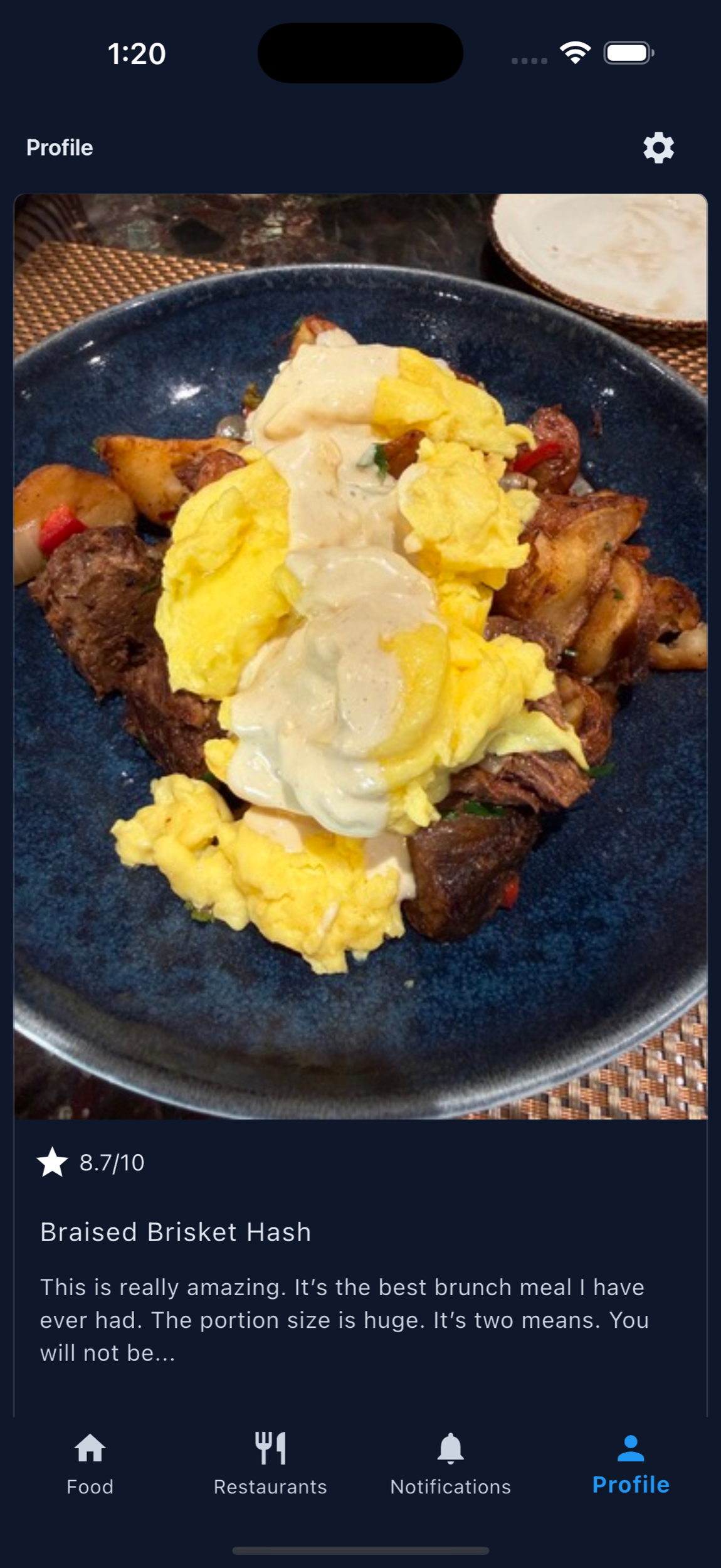
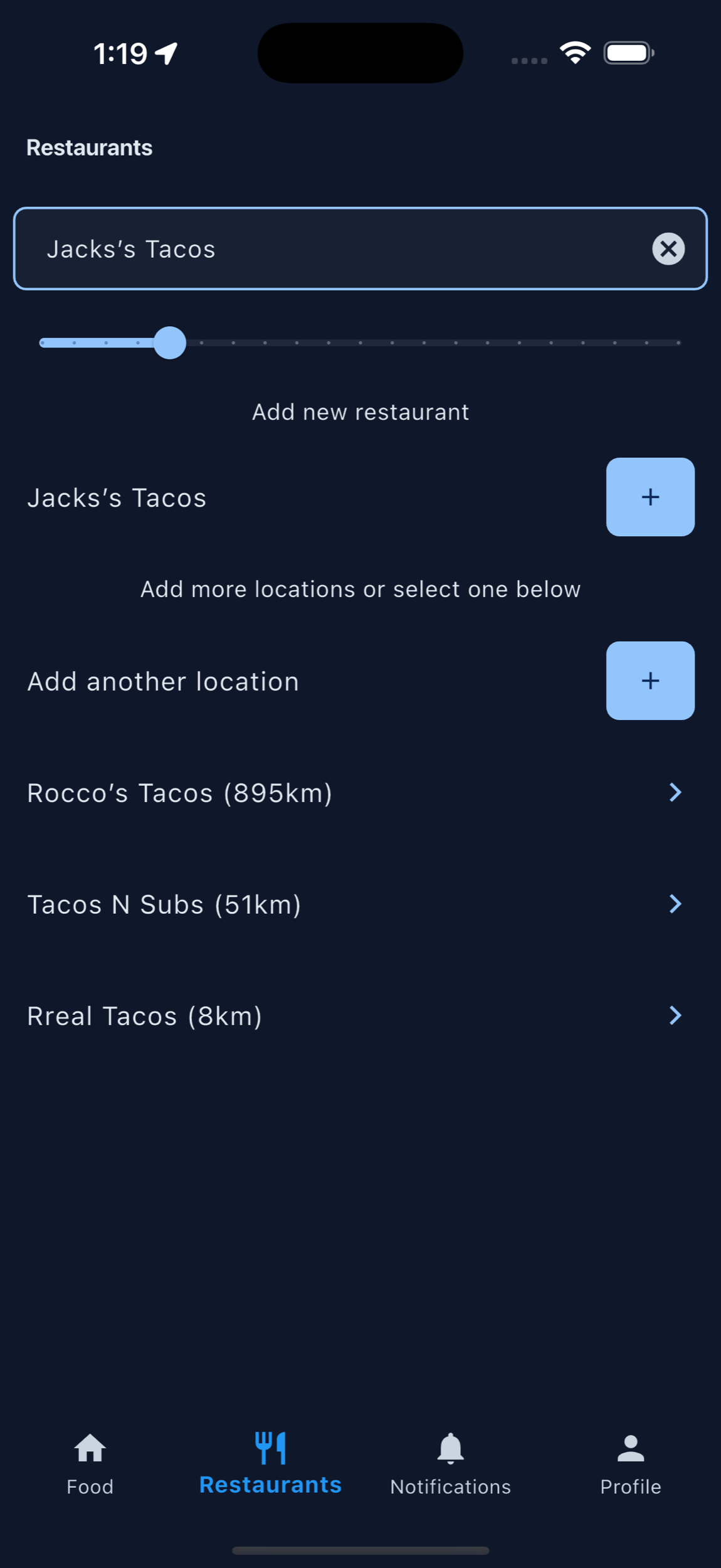
Organized food photos make feedback easier to understand.
A written comment can be useful, but a review with a dish photo gives owners context. They can see the portion, plating, category, and customer reaction in one place.
That organization helps restaurants connect with customers because the conversation is no longer abstract. Owners and guests are talking about the same burger, pasta, taco, cocktail, dessert, or special that future customers can also browse.
How owners can use the feedback
Review dish photos weekly, look for repeated praise or confusion, improve menu descriptions, update weak photos, and use customer favorites to guide specials, staff recommendations, and social posts.
Printable QR code
Put MenuScouter where customers can scan it.
Claim your restaurant to generate a location-specific QR code for tables, receipts, takeout bags, host stands, or check presenters. It opens your mobile visual menu directly, with no app download required.
Owners can post their own food photos first, then invite customers to add photos and reviews after they order. Those restaurant and dish pages are public and search-friendly, giving Google more real food content customers can discover.
Your menu, your QR
Guests scan to see real dishes and share private one-tap feedback. Public reviews and photos remain tied to MenuScouter accounts.
Instructions
- Find and claim your restaurant location.
- Complete the short manual verification.
- Add at least five real dish photos and feature a signature item.
- Download the location-specific printable QR code.
- Place it where customers can scan and respond.
Give customers a simple place to leave useful feedback.
Use MenuScouter to collect dish photos, ratings, and reviews that are easier to understand than generic survey responses.