
Guest feedback loop
Build a restaurant feedback loop guests can keep using.
MenuScouter helps restaurants make feedback an ongoing habit: ask for dish reviews, learn from what customers post, improve the experience, and give guests a reason to come back.
Customer engagement is not only likes and comments. For owners, the valuable loop is hearing what guests ordered, understanding what worked, improving the menu, and turning that insight into better recommendations.
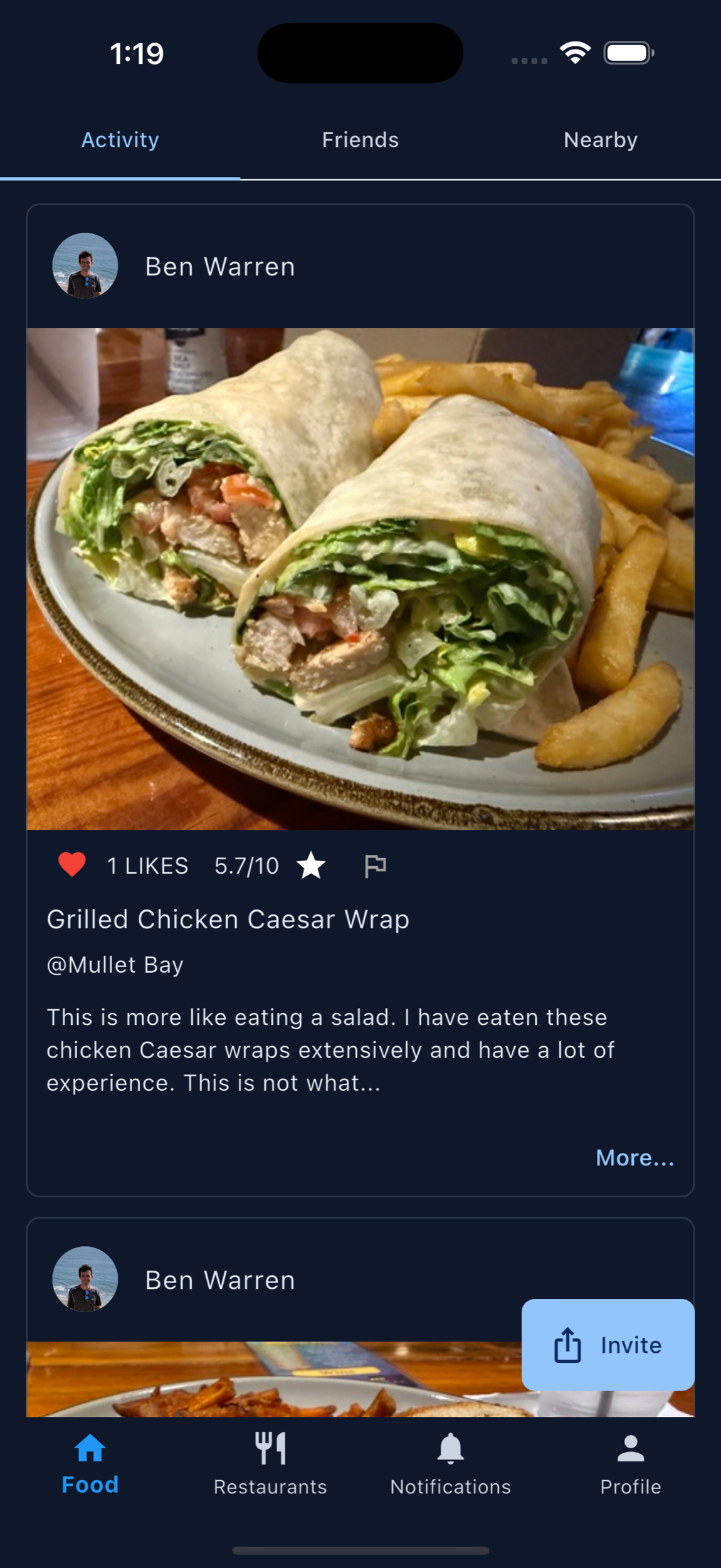
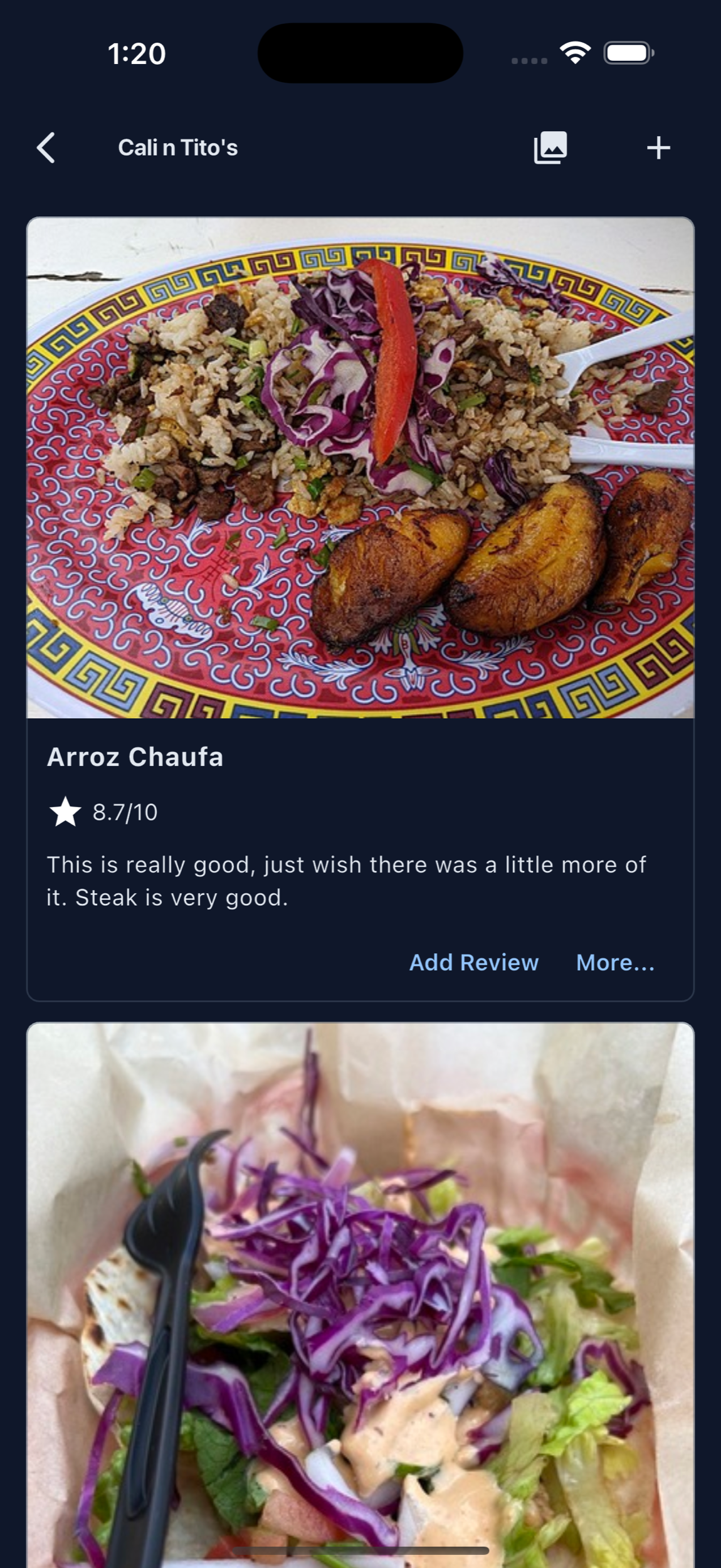
A useful feedback loop has five simple steps.
Ask at the right moment, make the action easy, collect dish-specific reviews, learn from the patterns, and invite guests back to try more food.
Ask after the meal
Use QR prompts, receipts, and server moments to ask for feedback while the dish is still fresh.
Learn from patterns
Look for repeated praise, missing photos, low-rated dishes, and items customers say friends should order.
Invite repeat visits
Customer posts create a saved trail of favorite dishes that can bring guests back to try more.
Ongoing engagement
Keep feedback connected to future decisions.
Feedback is most valuable when it does not disappear into a private inbox. MenuScouter keeps reviews connected to dish pages, restaurant pages, customer profiles, and food discovery.
That means each review can help the owner learn and help the next customer choose with more confidence.
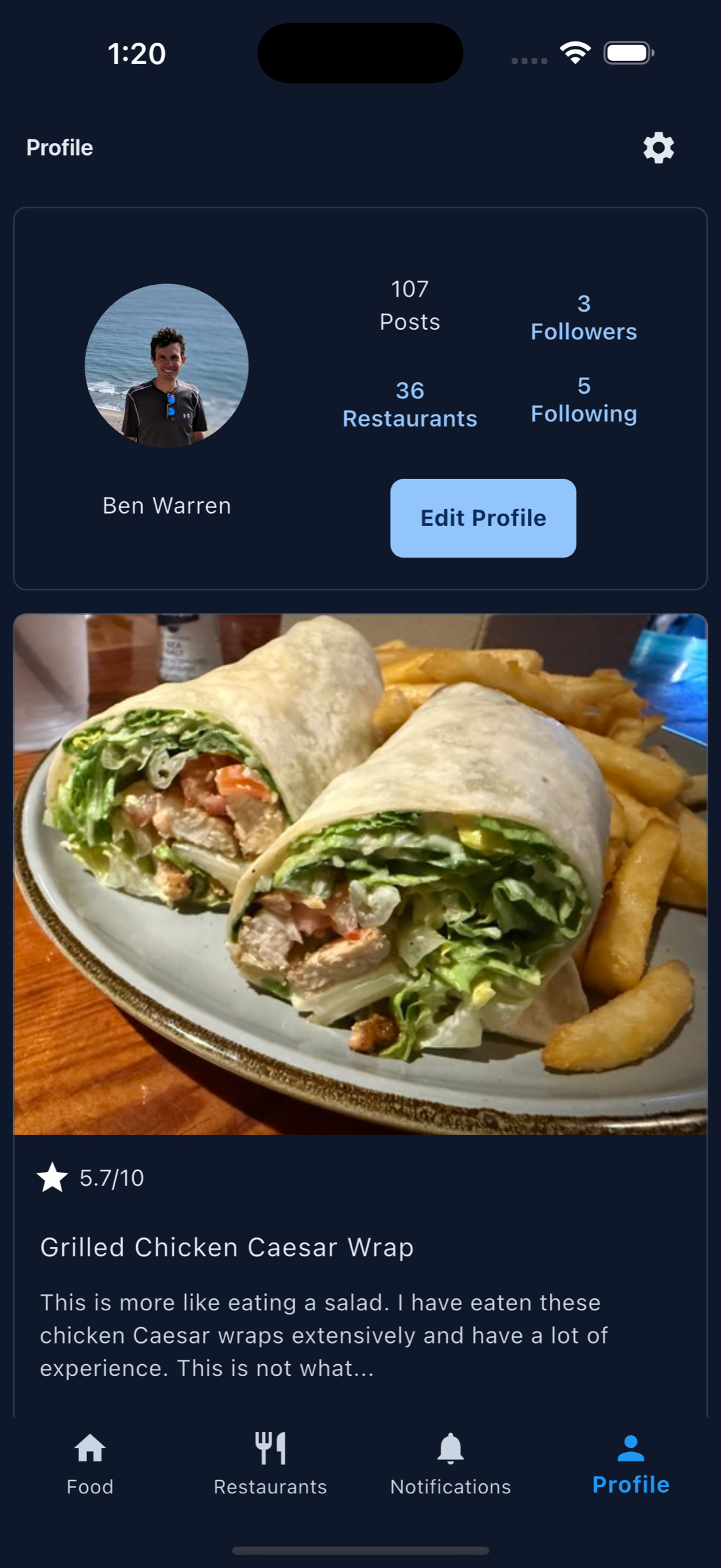
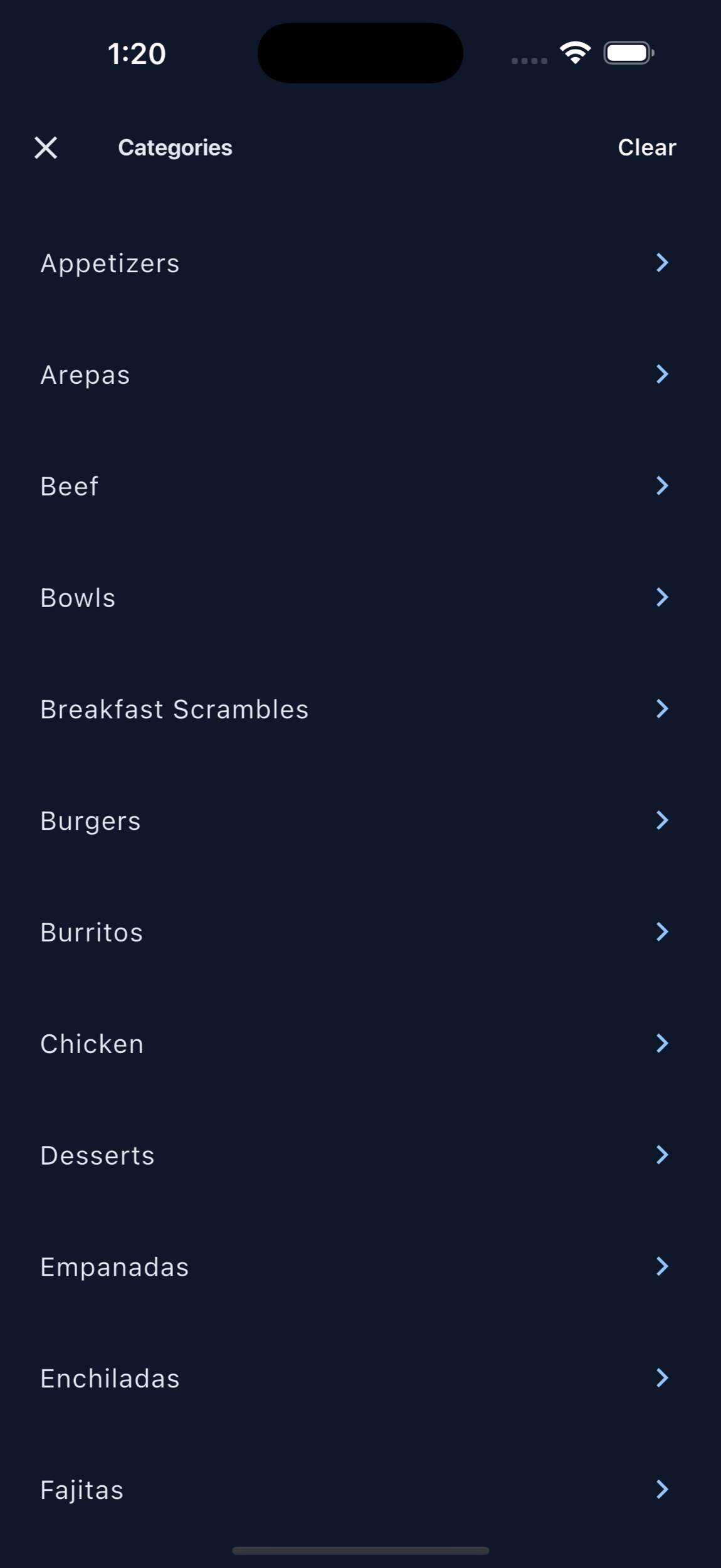
Connect with customers by showing that their food reviews matter.
A strong feedback loop does not stop when a customer posts a review. Owners can use those organized photos and ratings to adjust menu descriptions, highlight popular dishes, improve weaker items, and invite guests to try what is new or better.
Customers feel more connected when the restaurant makes it easy to share what they ate and when that feedback visibly improves the food experience. MenuScouter keeps that conversation organized around dishes rather than buried in scattered comments.
A simple monthly rhythm
Review recent dish posts, identify the most praised and most confusing items, update photos or menu copy, ask staff what they are hearing at the table, then encourage customers to review the dishes you are actively improving.
Printable QR code
Put MenuScouter where customers can scan it.
Claim your restaurant to generate a location-specific QR code for tables, receipts, takeout bags, host stands, or check presenters. It opens your mobile visual menu directly, with no app download required.
Owners can post their own food photos first, then invite customers to add photos and reviews after they order. Those restaurant and dish pages are public and search-friendly, giving Google more real food content customers can discover.
Your menu, your QR
Guests scan to see real dishes and share private one-tap feedback. Public reviews and photos remain tied to MenuScouter accounts.
Instructions
- Find and claim your restaurant location.
- Complete the short manual verification.
- Add at least five real dish photos and feature a signature item.
- Download the location-specific printable QR code.
- Place it where customers can scan and respond.
Create a feedback loop around every great dish.
Use MenuScouter to ask, collect, learn, and keep guests engaged through dish photos, ratings, and reviews.