
Instagram-worthy restaurant food
Make your most shareable dishes easier to post and recommend.
MenuScouter gives restaurant owners a place to post their own best food photos and gives customers a food-focused place to share photos, rate dishes, and tell friends what looks worth ordering.
Photogenic food can drive attention, but a photo works even harder when it sits on a public dish page with the restaurant name, rating, recommendation, and search-friendly content Google can find.
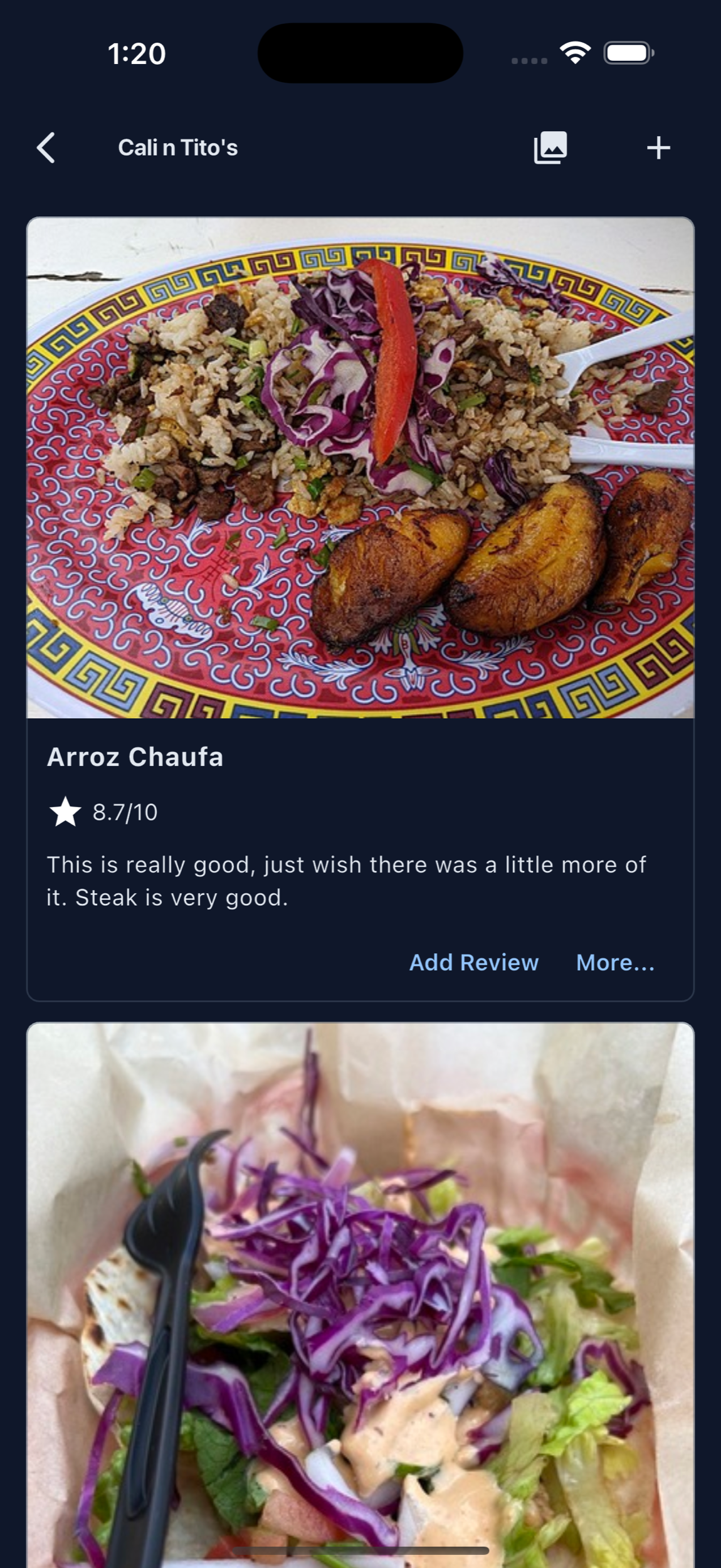
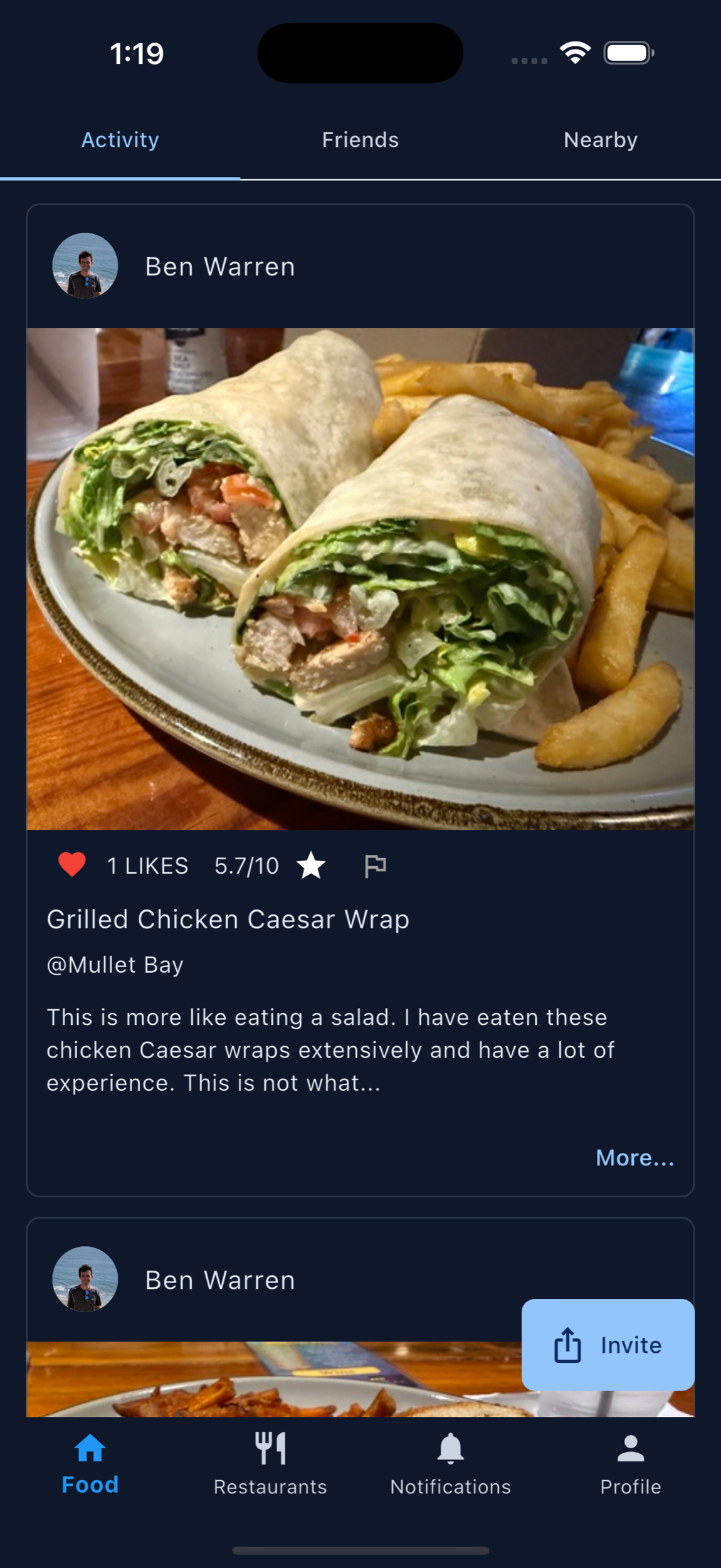
Shareable food should point people back to the restaurant.
MenuScouter helps keep owner photos and customer photos connected to the restaurant page and dish details, so social attention has somewhere useful to go.
Feature signature dishes
Encourage customers to post the items that make people stop scrolling and ask where they can get it.
Add ratings and context
A photo with a score and short note tells friends whether the dish is worth ordering.
Build a visual menu
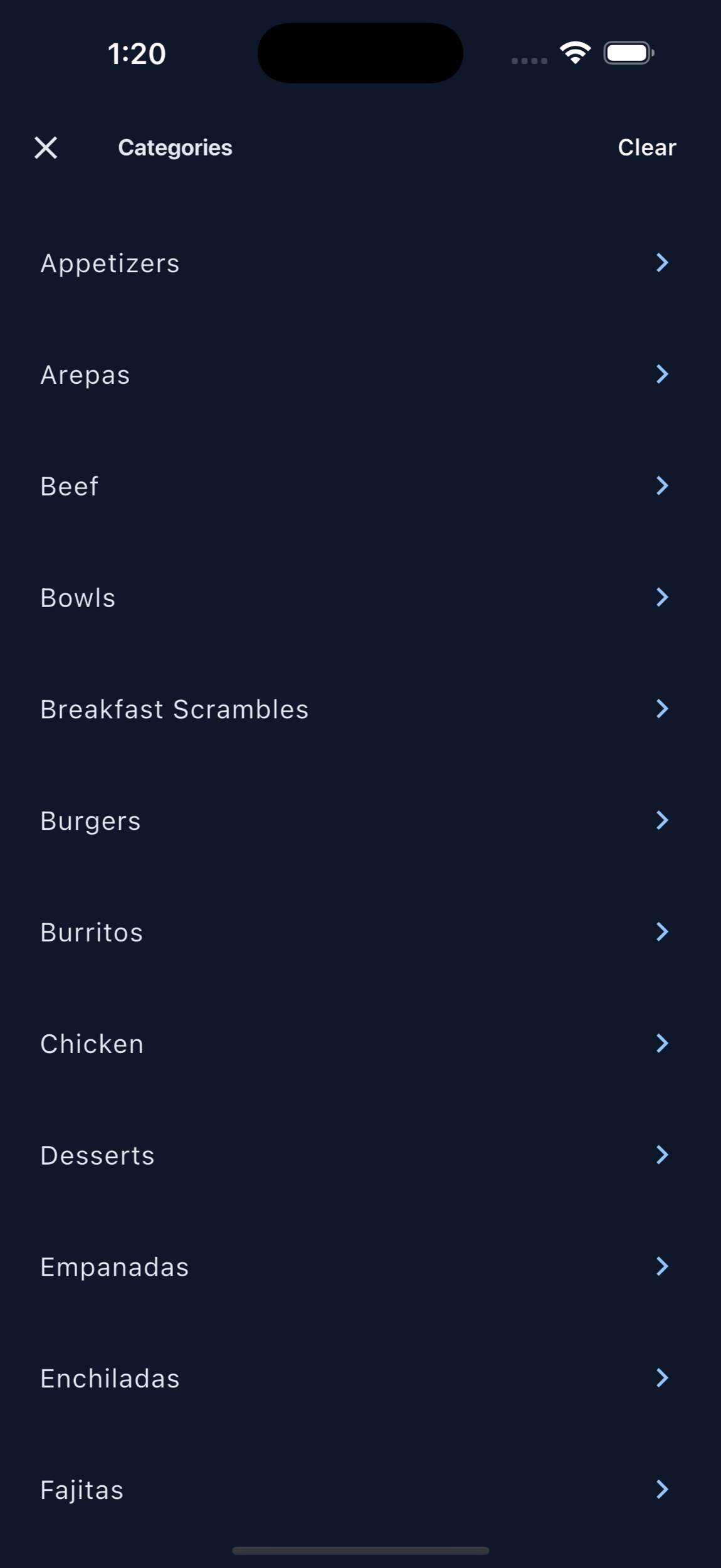
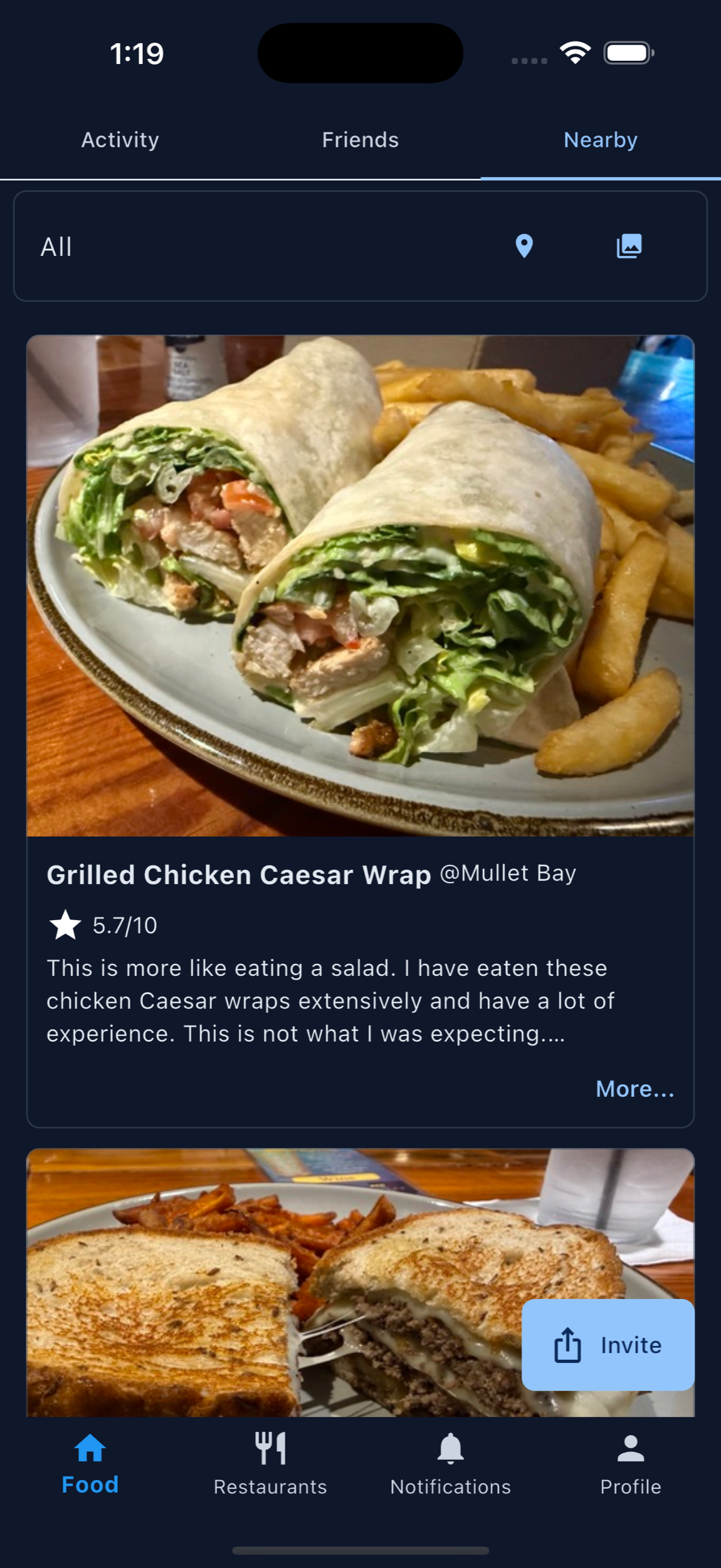
Customer photos can help future diners browse your food before they decide where to eat.
Beyond the photo
Turn visual attention into a recommendation.
Instagram-worthy restaurant food can start the conversation, but diners still need to know what the dish is, where to find it, and whether people recommend it. Owners can add the first photos so the dish is represented clearly.
MenuScouter helps bridge that gap with dish pages, restaurant pages, owner-posted photos, customer ratings, reviews, and friend activity.
Printable QR code
Put MenuScouter where customers can scan it.
Claim your restaurant to generate a location-specific QR code for tables, receipts, takeout bags, host stands, or check presenters. It opens your mobile visual menu directly, with no app download required.
Owners can post their own food photos first, then invite customers to add photos and reviews after they order. Those restaurant and dish pages are public and search-friendly, giving Google more real food content customers can discover.
Your menu, your QR
Guests scan to see real dishes and share private one-tap feedback. Public reviews and photos remain tied to MenuScouter accounts.
Instructions
- Find and claim your restaurant location.
- Complete the short manual verification.
- Add at least five real dish photos and feature a signature item.
- Download the location-specific printable QR code.
- Place it where customers can scan and respond.
Help customers share the dishes that sell themselves.
Use MenuScouter to turn food photos into ratings, recommendations, and friend referrals.