
Restaurant social media marketing
Get customers to share your restaurant with friends.
MenuScouter helps restaurant owners post their own food photos, build public dish pages Google can find, and invite customers to add photos, reviews, recommendations, and social proof.
Owners can seed the page with accurate photos of signature dishes, specials, drinks, desserts, and takeout favorites. Customers can then find those dishes in search, download the app, and add their own photos and reviews after they visit.
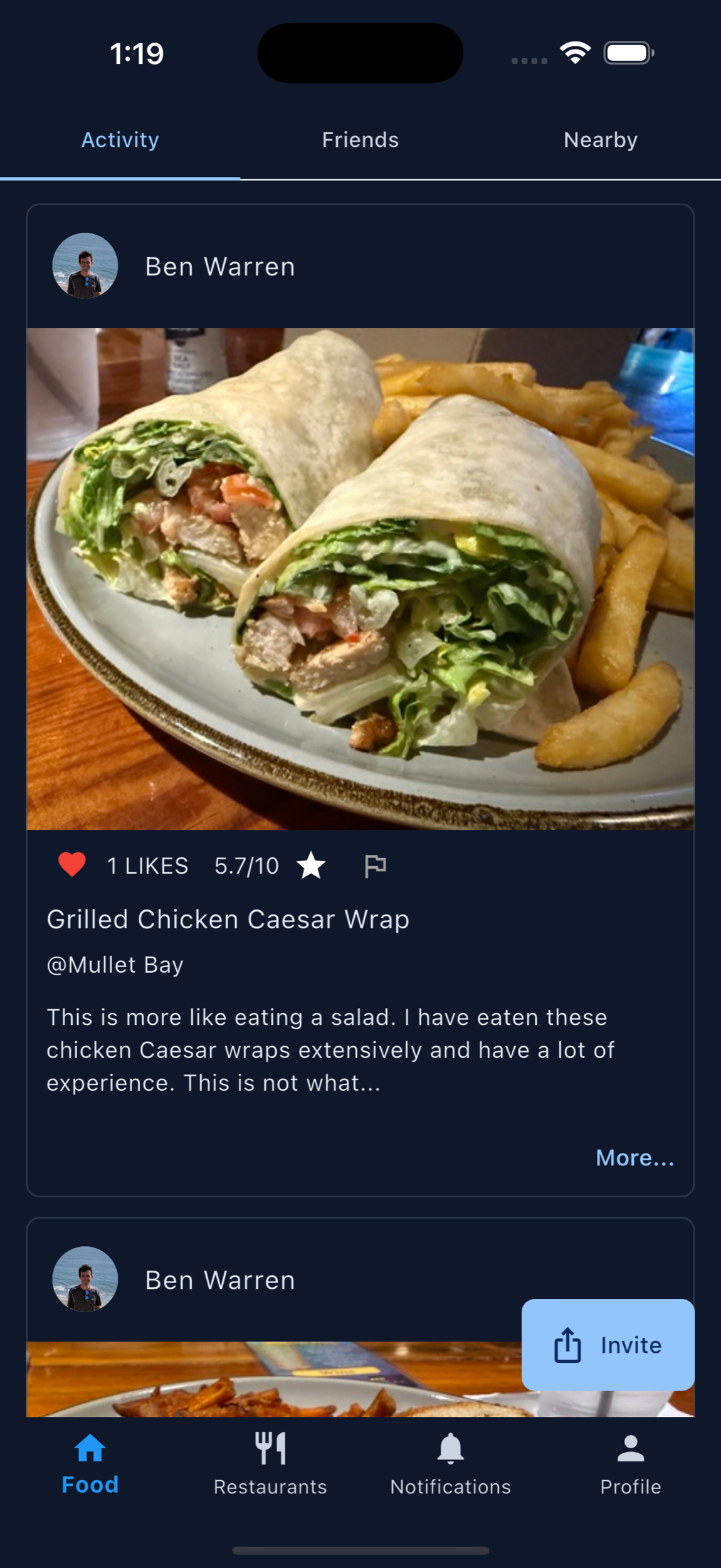
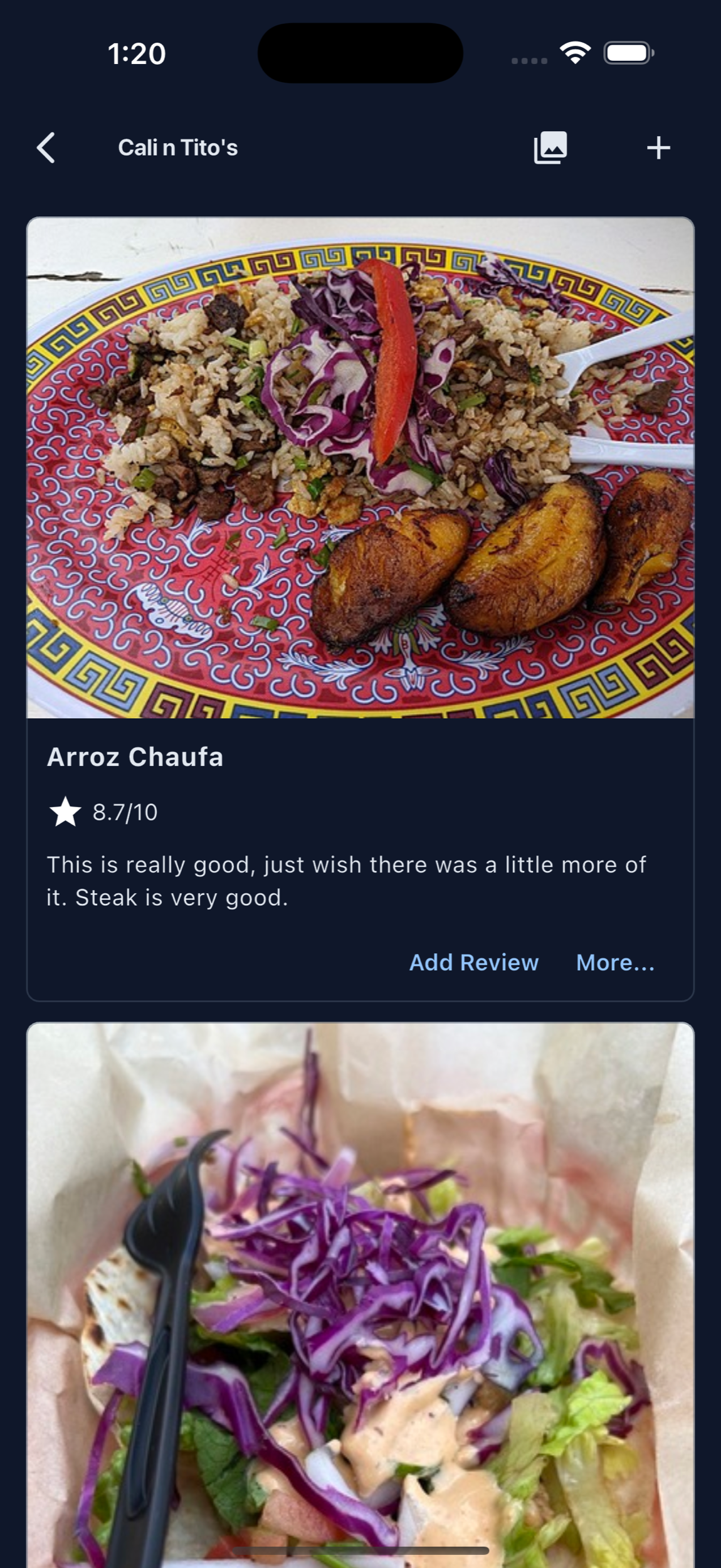
Restaurant marketing pages for customer sharing.
Use these guides to post owner-approved food photos, help customers share your food, and create word-of-mouth moments that stay connected to your public restaurant and dish pages.
Customer sharing
Give guests a specific dish, useful prompt, and clear page they can pass along to a friend.
Word-of-mouth and referrals
Turn a recommendation into a trusted path from the dish someone loved back to the restaurant.
Customer-created content
Organize customer photos and reviews by menu item so they remain useful after a social post disappears.
Shareable signature dishes
Choose visually distinctive dishes that accurately represent the experience guests will receive.
Food people can pass along
Make the dish the shareable moment.
Restaurant owners can add the first photos so every important dish has a clean, searchable starting point. That content can appear on public MenuScouter restaurant and dish pages that Google can crawl.
Customers can add their own photos and reviews of the same burger, pasta, taco, cocktail, pastry, or special. Each post points friends toward the restaurant, the dish photo, the rating, and the reason someone recommends ordering it.
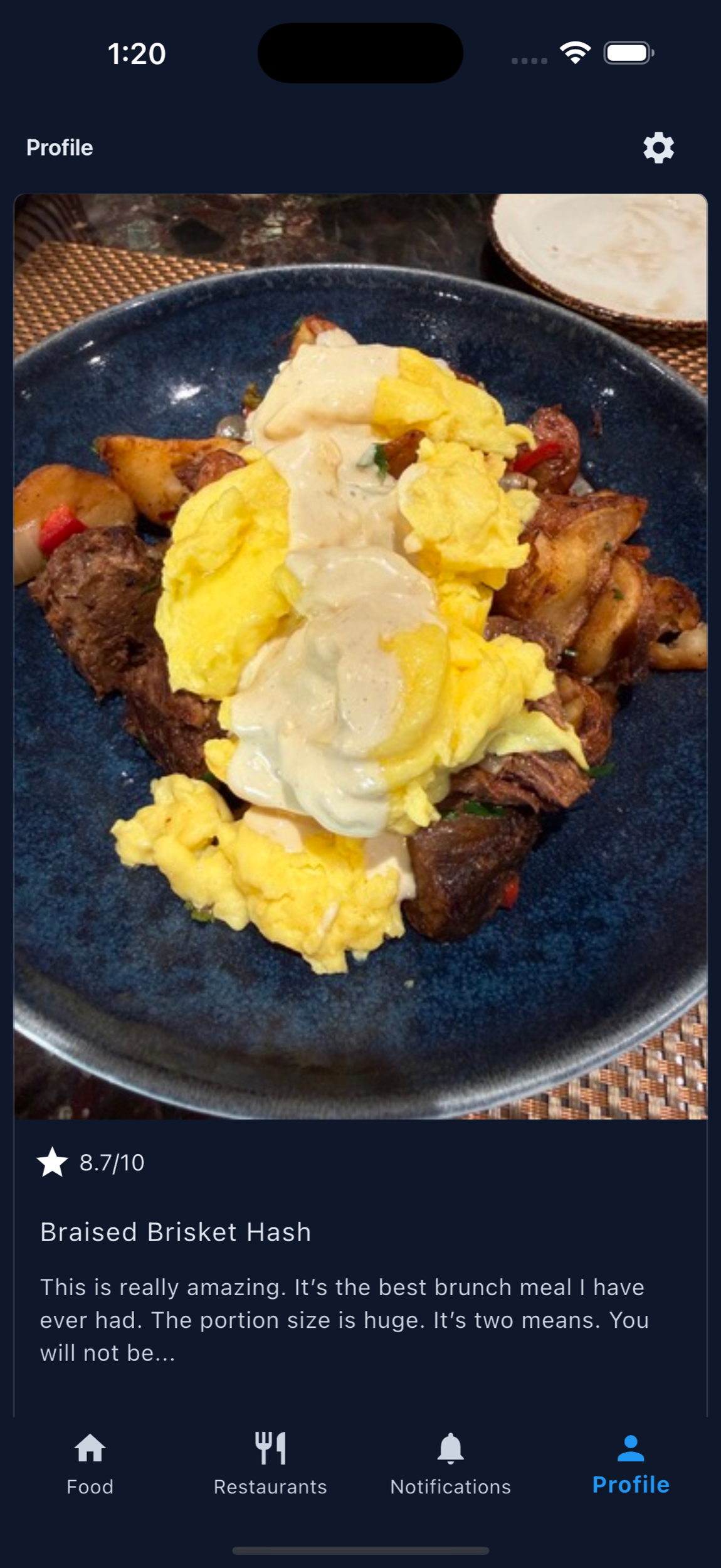
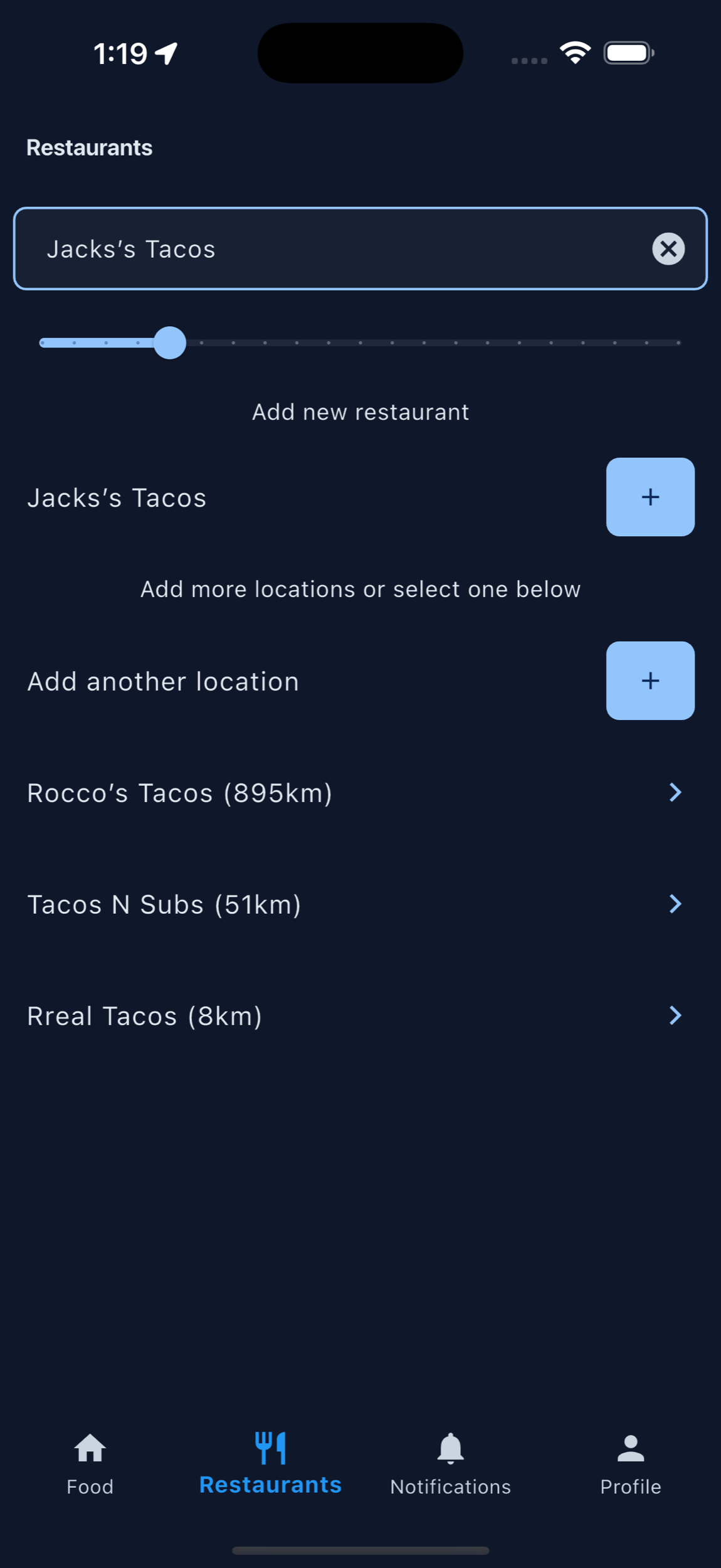
How to get customers to share your restaurant
Make the request specific, timely, and easy to complete.
Ask after a compliment, when a table photographs a dish, or when a regular orders a favorite again. Point guests to the exact restaurant or dish page instead of asking them to invent a post from scratch.
Prompts staff can use
- “If you took a photo, you can add it to this dish page for the next guest.”
- “What would you tell a friend to order here?”
- “Scan here to save and share the dish you liked.”
Build word-of-mouth and restaurant referrals around a real recommendation.
“You should try this place” is helpful. “Order the crispy chicken sandwich because the breading stays crunchy” is memorable and actionable. Dish-level photos and notes give the receiving friend enough context to choose confidently.
A useful referral path
Happy guest → specific dish recommendation → shareable restaurant page → friend sees the food and context → restaurant visit.
User-generated content for restaurants
Keep customer photos connected to the menu item they represent.
Organize customer-created photos, ratings, and comments by dish. Ask permission before reusing a guest’s image in restaurant-owned marketing, credit the creator when appropriate, and never make a positive public review a condition for receiving a reward.
Content worth encouraging
- Accurate photos of the served dish
- A specific reason the guest would order it again
- Helpful portion, ingredient, or preparation context
- Honest feedback with incentive disclosure when applicable
Printable QR code
Put MenuScouter where customers can scan it.
Claim your restaurant to generate a location-specific QR code for tables, receipts, takeout bags, host stands, or check presenters. It opens your mobile visual menu directly, with no app download required.
Owners can post their own food photos first, then invite customers to add photos and reviews after they order. Those restaurant and dish pages are public and search-friendly, giving Google more real food content customers can discover.
Your menu, your QR
Guests scan to see real dishes and share private one-tap feedback. Public reviews and photos remain tied to MenuScouter accounts.
Instructions
- Find and claim your restaurant location.
- Complete the short manual verification.
- Add at least five real dish photos and feature a signature item.
- Download the location-specific printable QR code.
- Place it where customers can scan and respond.
Help customers share the food they already love.
Use MenuScouter to encourage food photos, dish ratings, recommendations, and social referrals from your best customers.