
Customer social sharing for restaurants
How to get customers to share your restaurant.
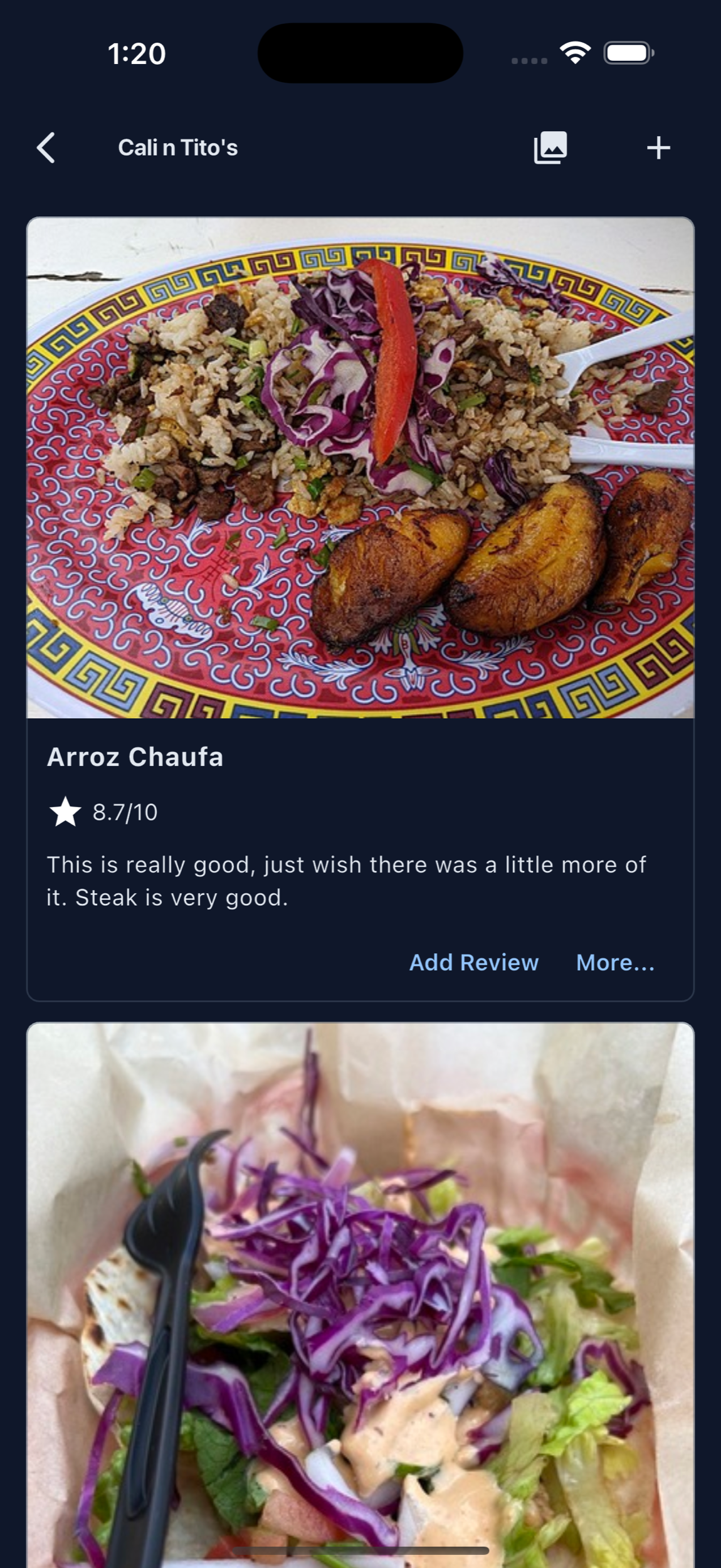
Start by posting your own food photos on MenuScouter, then give customers an easy way to add their photos, reviews, and recommendations after they eat.
Your restaurant and dish pages are public and search-friendly, so Google can surface real food photos customers may find before choosing where to eat.
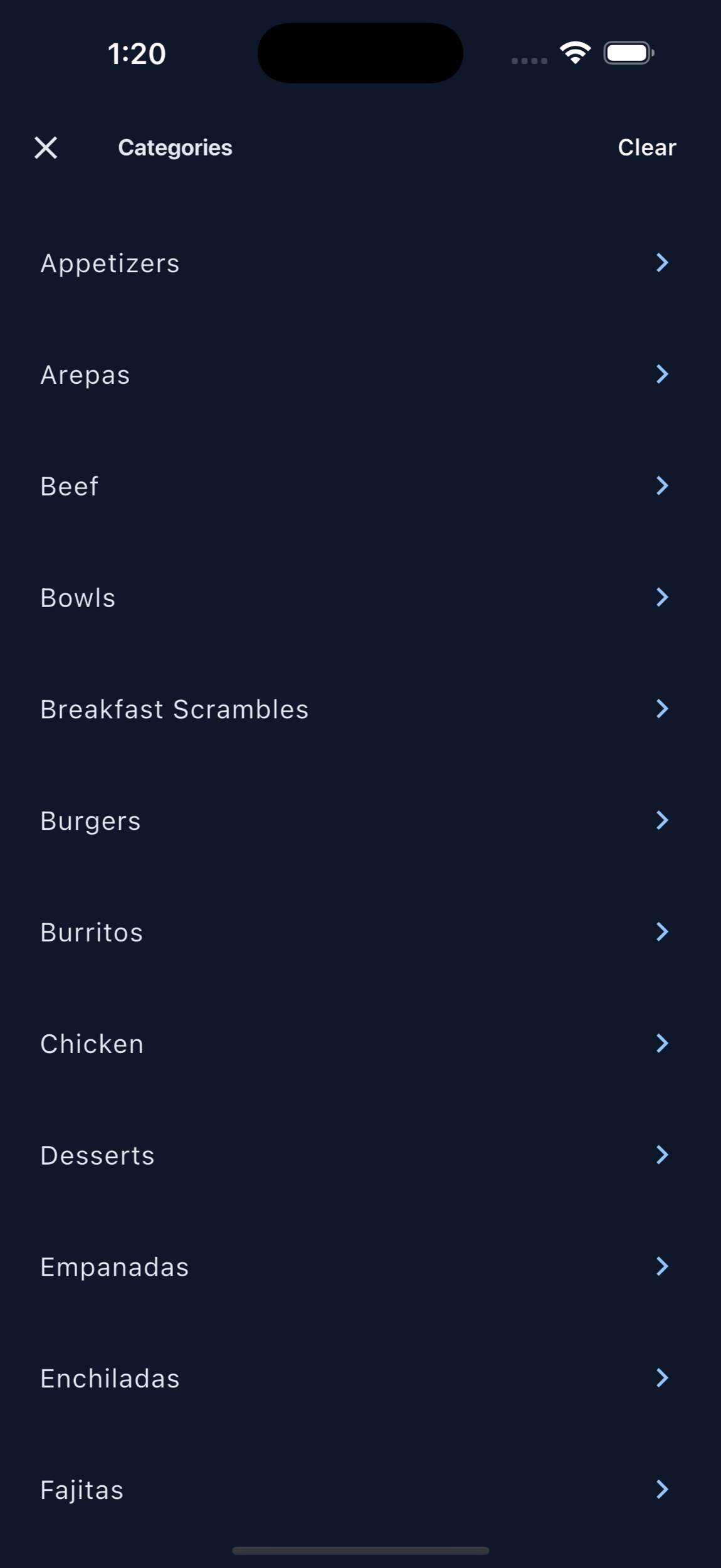
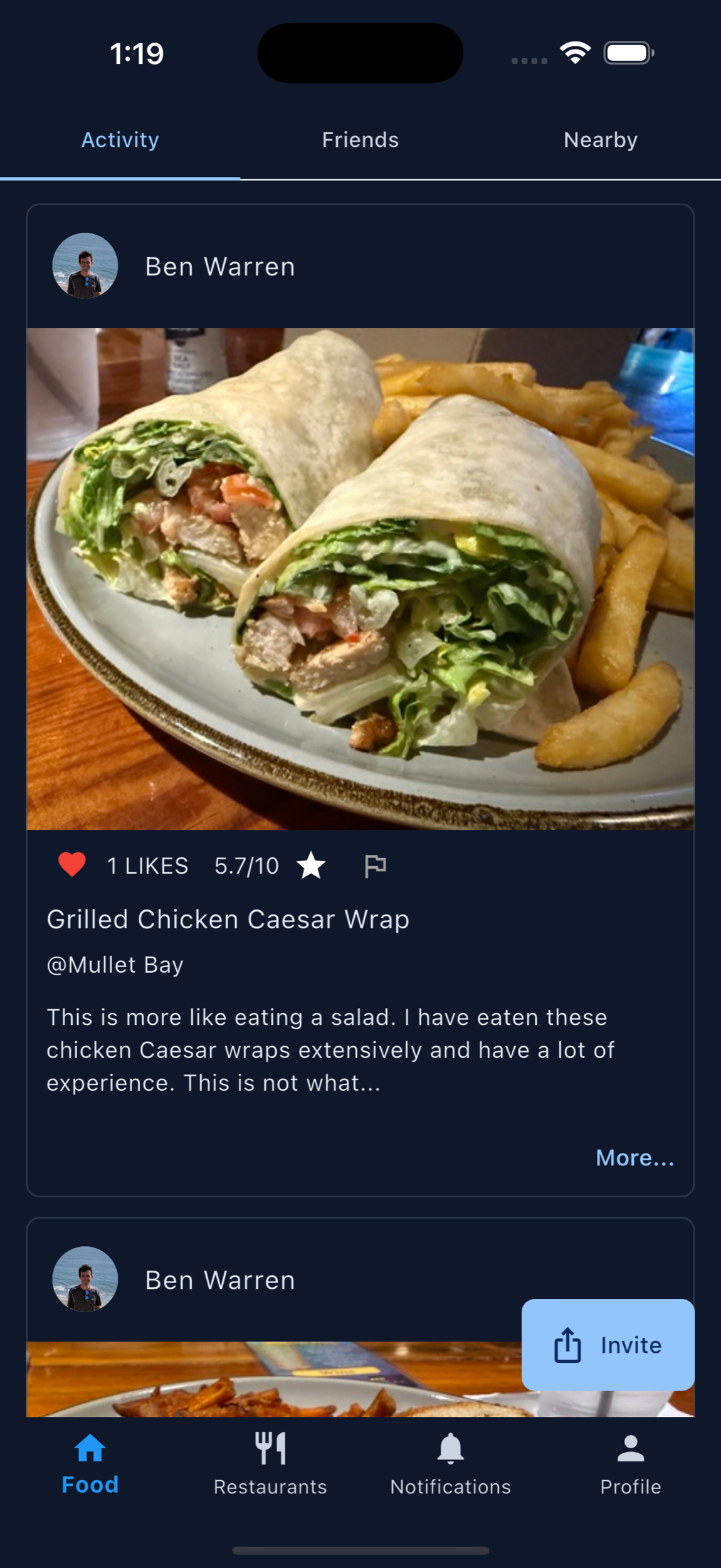
Make sharing feel like a natural part of the meal.
MenuScouter turns owner photos, customer photos, ratings, and short reviews into useful food recommendations people can actually act on.
Post your own photos
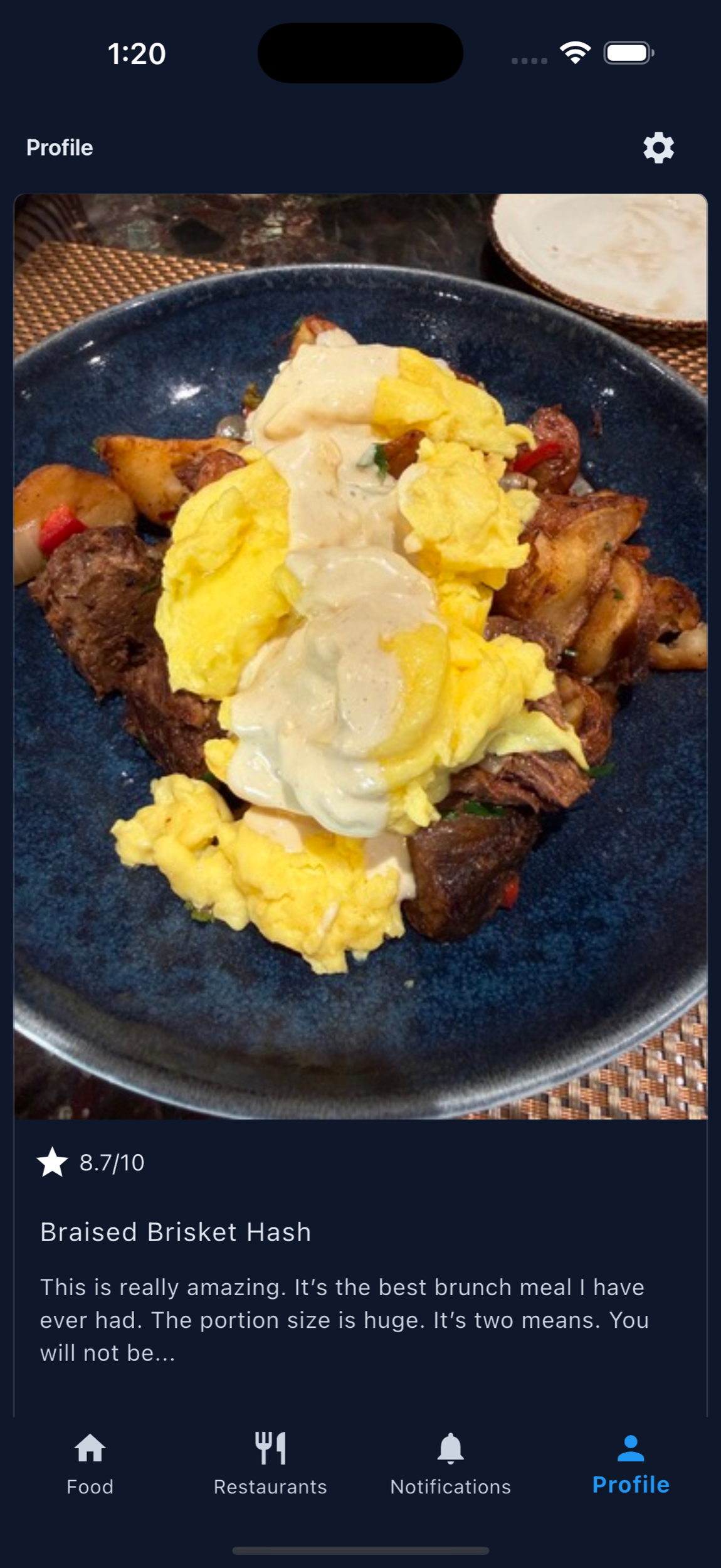
Add accurate photos of signature entrees, specials, desserts, drinks, and takeout favorites so customers can see what to order.
Get found on Google
Public dish pages give search engines more real menu content, food photos, and restaurant details to index.
Let customers add proof
Customers can post their own photos and reviews, giving friends a visual reason to visit and a clear idea of what to order.
Practical prompts
Ask at the moment customers are happiest.
The best time to ask for a share is right after a compliment, a finished plate, or a server recommendation that lands well.
Put the request on table tents, receipts, takeout cards, QR codes, follow-up texts, and social captions: share the dish you would tell a friend to order.
Printable QR code
Put MenuScouter where customers can scan it.
Claim your restaurant to generate a location-specific QR code for tables, receipts, takeout bags, host stands, or check presenters. It opens your mobile visual menu directly, with no app download required.
Owners can post their own food photos first, then invite customers to add photos and reviews after they order. Those restaurant and dish pages are public and search-friendly, giving Google more real food content customers can discover.
Your menu, your QR
Guests scan to see real dishes and share private one-tap feedback. Public reviews and photos remain tied to MenuScouter accounts.
Instructions
- Find and claim your restaurant location.
- Complete the short manual verification.
- Add at least five real dish photos and feature a signature item.
- Download the location-specific printable QR code.
- Place it where customers can scan and respond.
Turn great meals into customer shares.
Use MenuScouter to make food photos, dish ratings, and friend recommendations easier for guests to create.